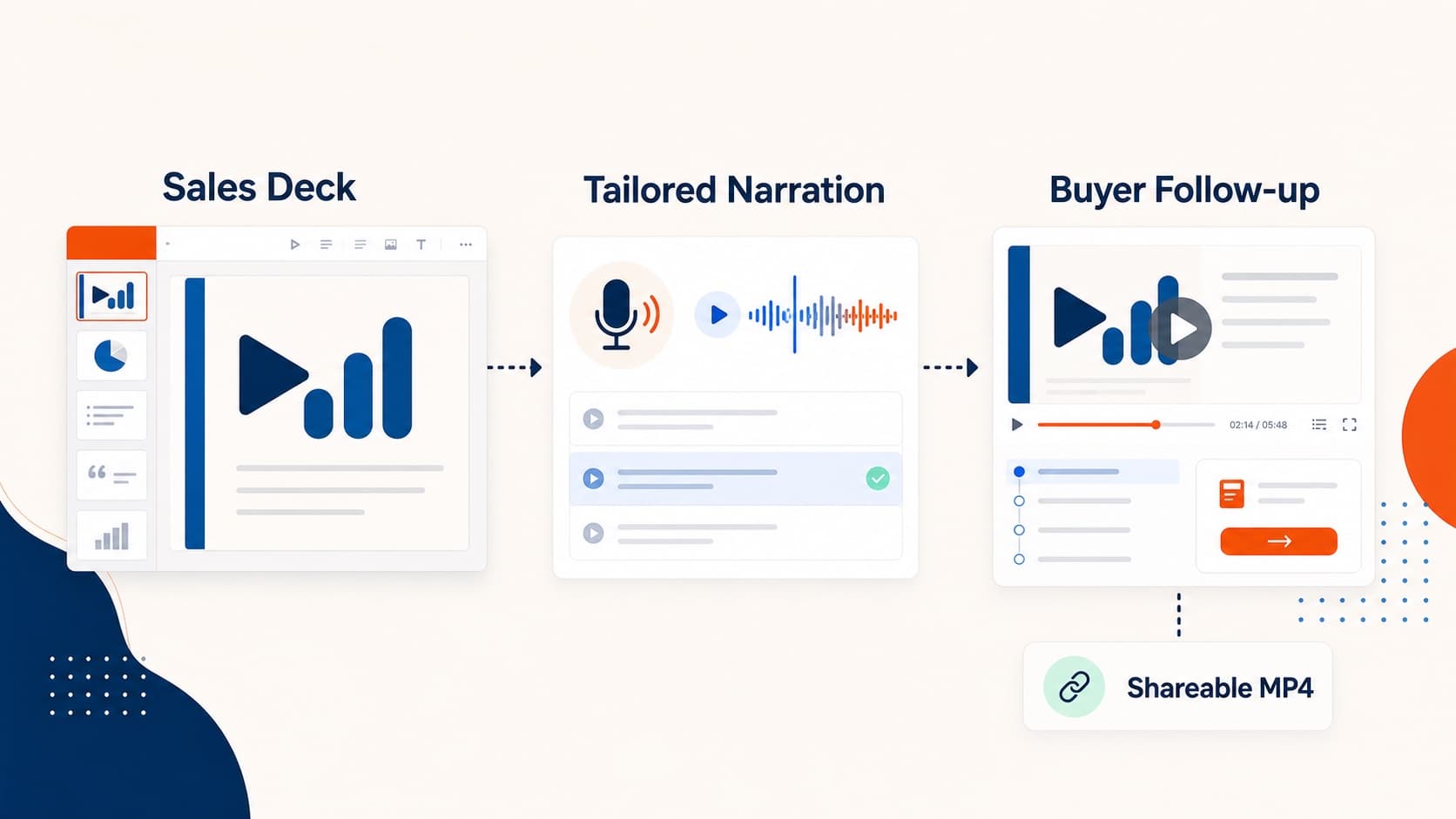
5 Sales Demo Video Plays That Help Close Deals
Turn existing sales decks into sales demo videos for follow-ups, proposals, battlecards, multi-threaded deals, and new-rep ramp-up.
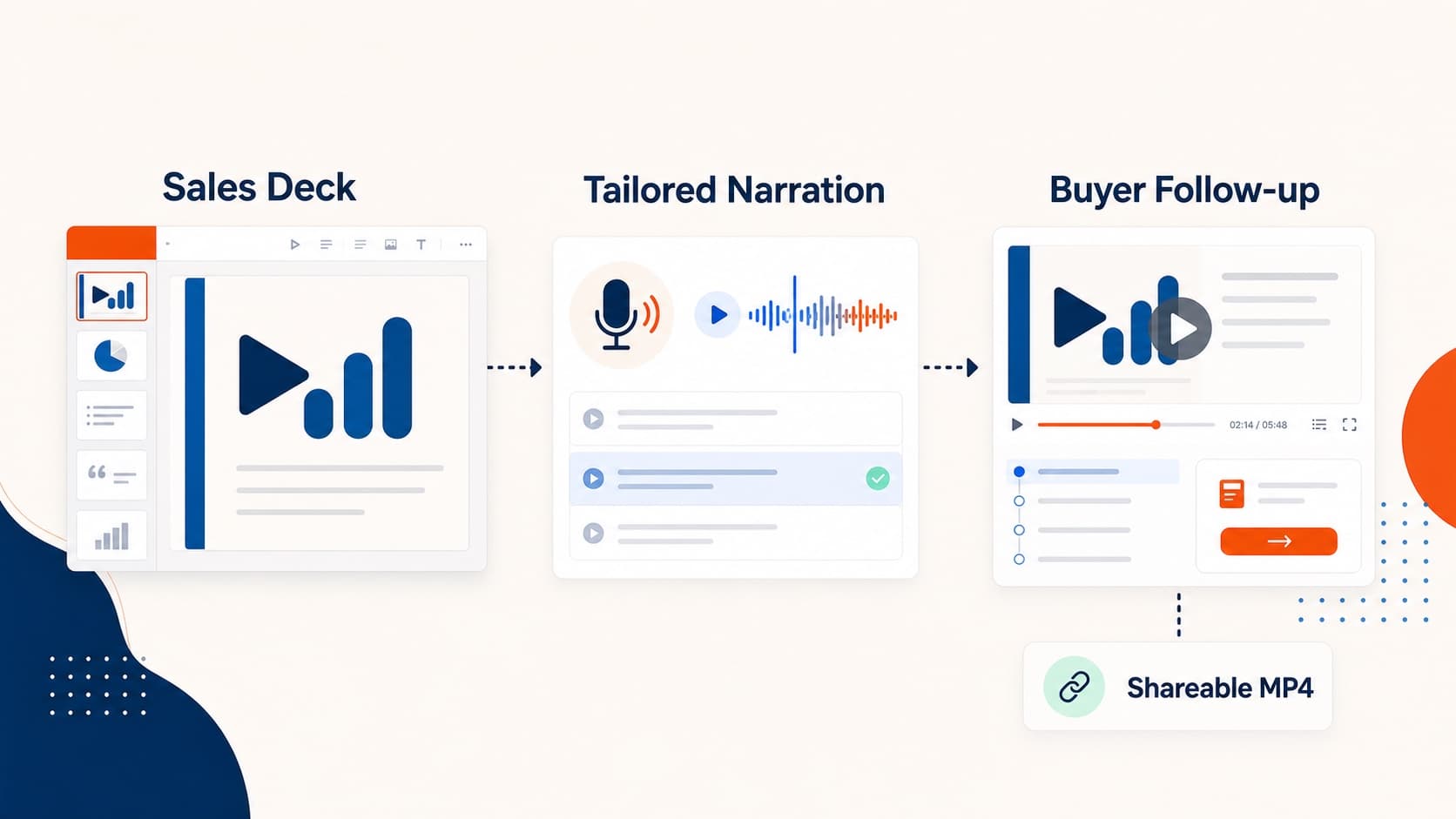
Sales teams rarely lack slides. They lack a format that travels across calendars, time zones, and buying committees. A sales demo video keeps the structure of a proven deck while removing the need for another live walkthrough.
Here are five high-ROI plays.
1. Discovery follow-up videos
After the first call, send a 3–5 minute narrated walkthrough instead of a raw PDF. The message stays consistent, absent stakeholders can watch later, and the champion can forward it internally.
2. Proposal walk-throughs
A proposal document asks the buyer to interpret pricing, scope, and trade-offs alone. A narrated proposal video explains the commercial story in order and reduces silent confusion.
3. Competitive battlecards for reps
Enablement decks get skimmed. Short narrated modules are easier to consume before a call: positioning, landmines, migration arguments, and pricing framing.
4. Multi-threaded account updates
Enterprise deals need different emphasis for operators, managers, finance, and executives. Keep one slide base, tune the narration per audience, and ship role-specific MP4s.
5. New-rep ramp-up
Sales onboarding is already deck-heavy. Narrated versions turn ramp material into a reusable enablement library and reduce repeated manager walkthroughs.
What makes a sales deck work as video
- open with the buyer problem
- keep one claim per slide
- explain charts in plain language
- end with a next-step CTA
If the deck is overloaded, simplify before export. For the conversion pipeline itself, use the product demo video guide or convert PowerPoint to video.
Recommended workflow
- Start from a deck that already works live.
- Rewrite the script so it sounds spoken.
- Choose a voice that matches your sales motion.
- Export a short role-specific version first.
- Measure forwards, replays, and replies.
Related guides
Final takeaway
Treat the sales demo video as deal support infrastructure, not content marketing. Use it wherever the same explanation needs to land more than once.
More Posts
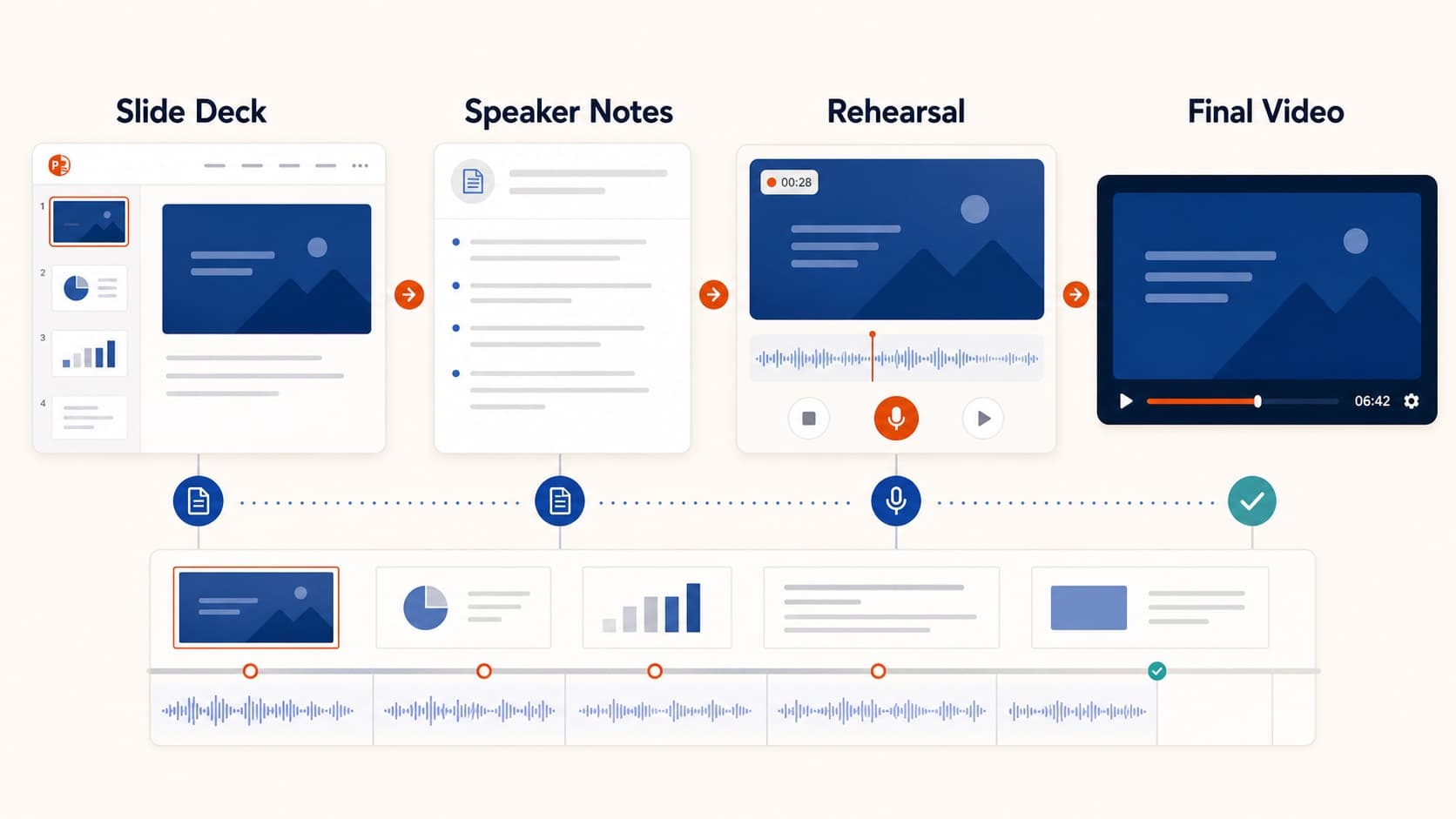
How to Create a Pre-Recorded Presentation Video from Slides
Create a pre-recorded presentation video from your slides without endless takes. Use a script-first workflow to hit conference duration, resolution, and file-size limits.

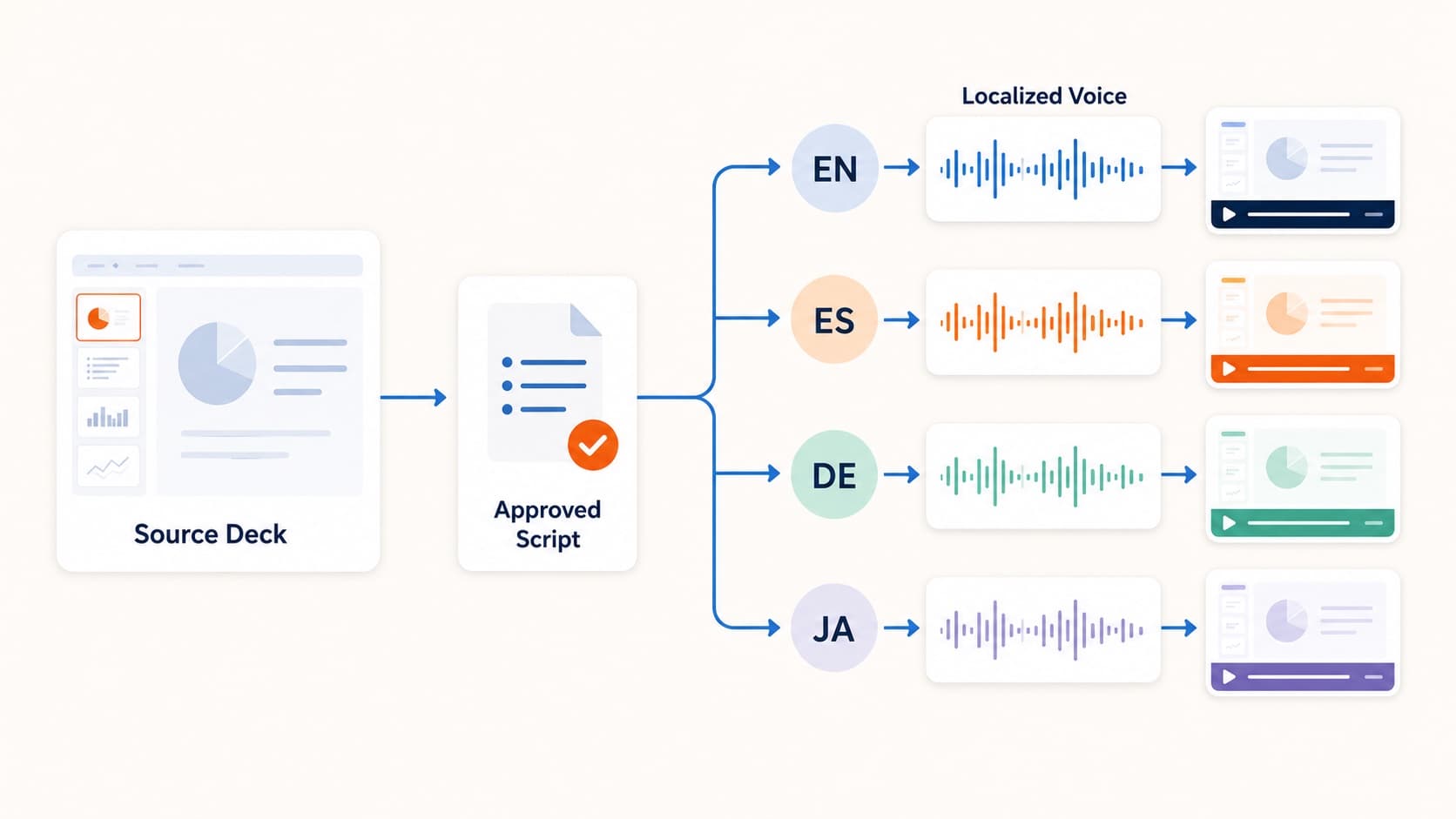
How to Create Multilingual Training Videos from One Deck
Create multilingual training videos from one PowerPoint deck. Localize scripts, generate language-specific narration, and re-export MP4s without booking studios per market.
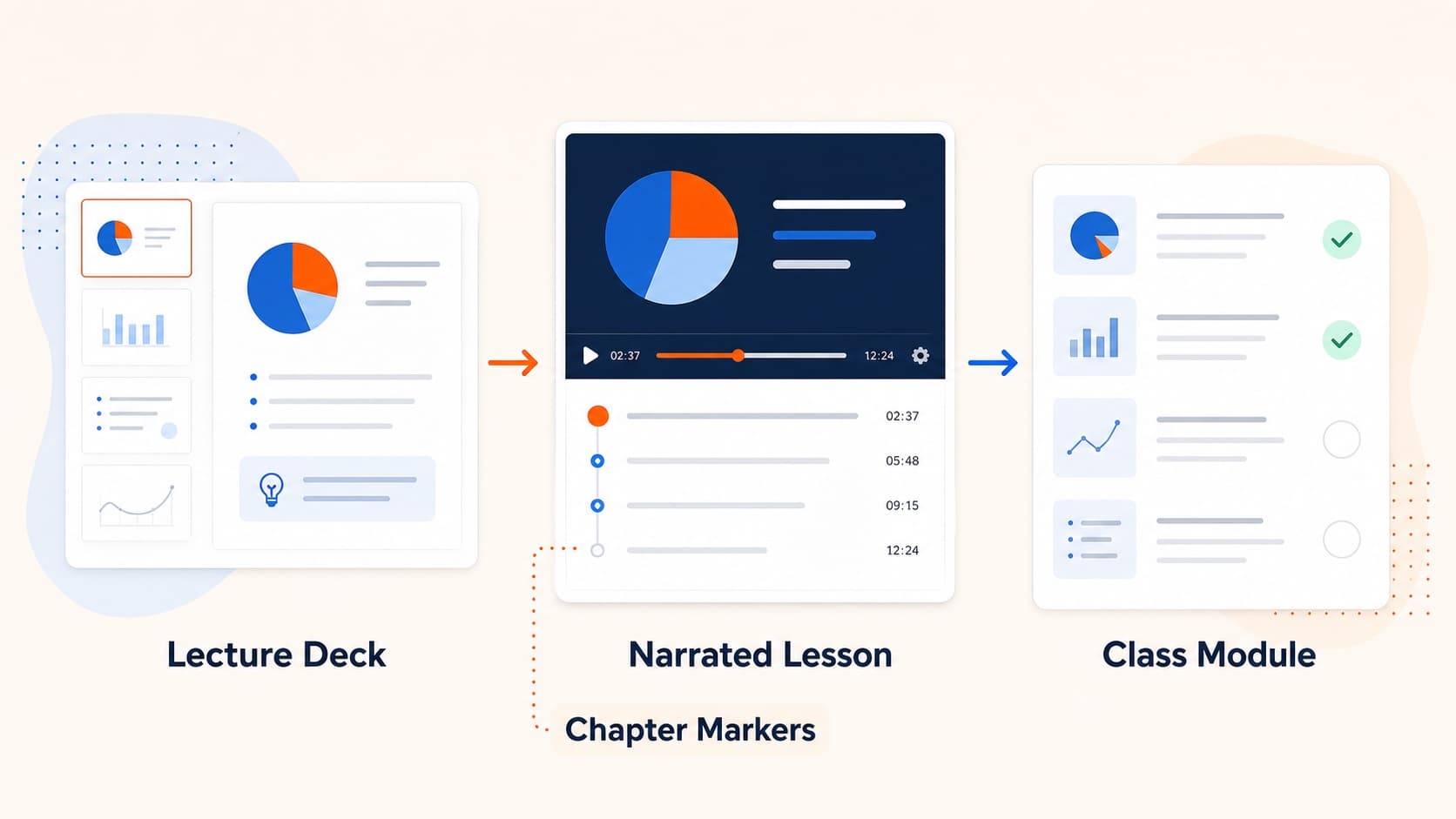
How to Turn Slides into Video Lessons for Students
Turn lecture slides into video lessons students can rewatch. A practical workflow for teachers to create regenerable narrated MP4s from PowerPoint or Google Slides.