LogoOral Slides
  • Features
  • Pricing
  • Compare
  • Blog
  • Docs
How Teachers Turn Slide Decks into Async Video Lessons
2026/04/22

How Teachers Turn Slide Decks into Async Video Lessons

A practical playbook for educators turning lecture decks into narrated MP4s students can rewatch on their own time, without re-recording every term.

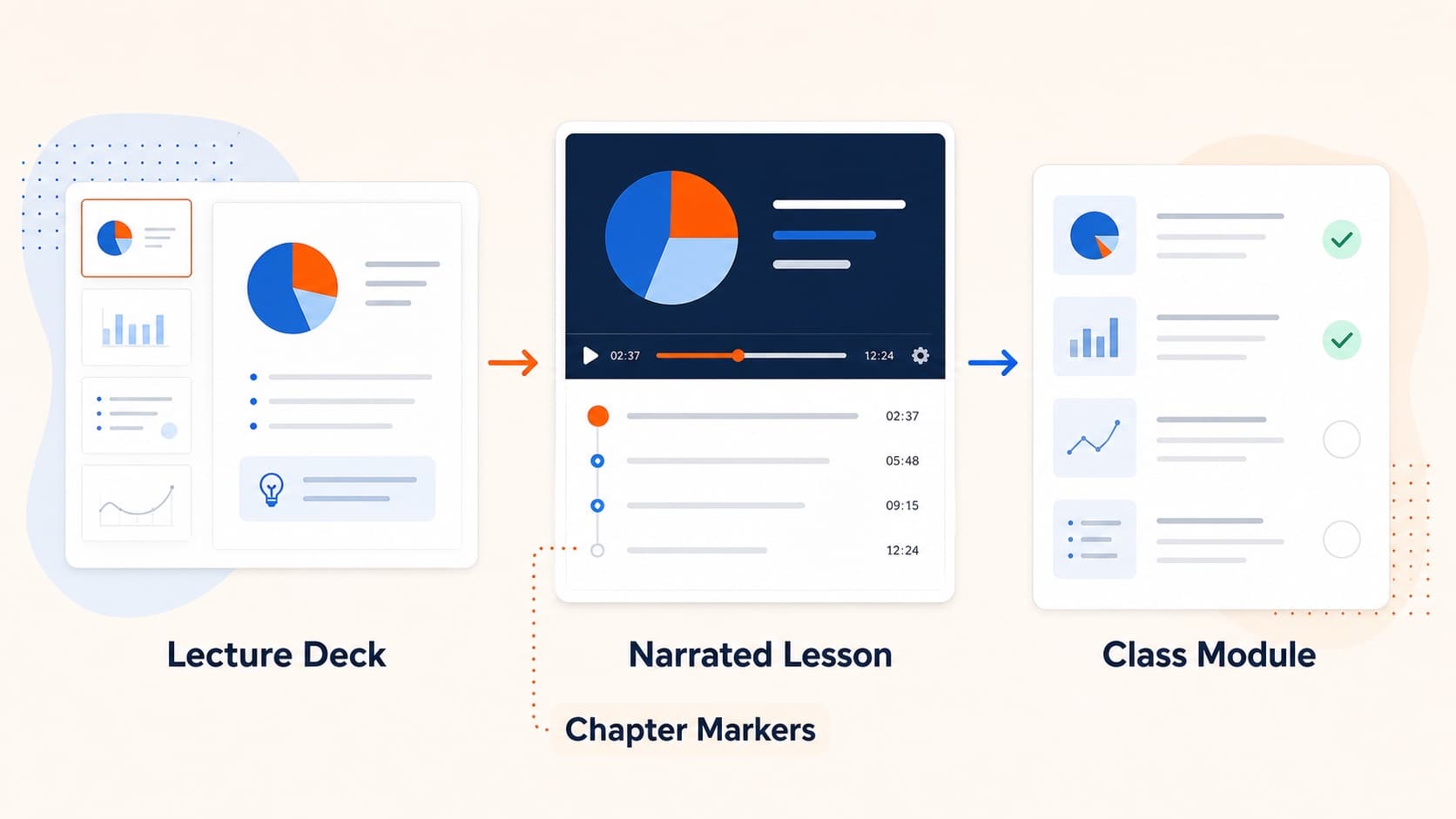
Teachers converting lecture decks into narrated video

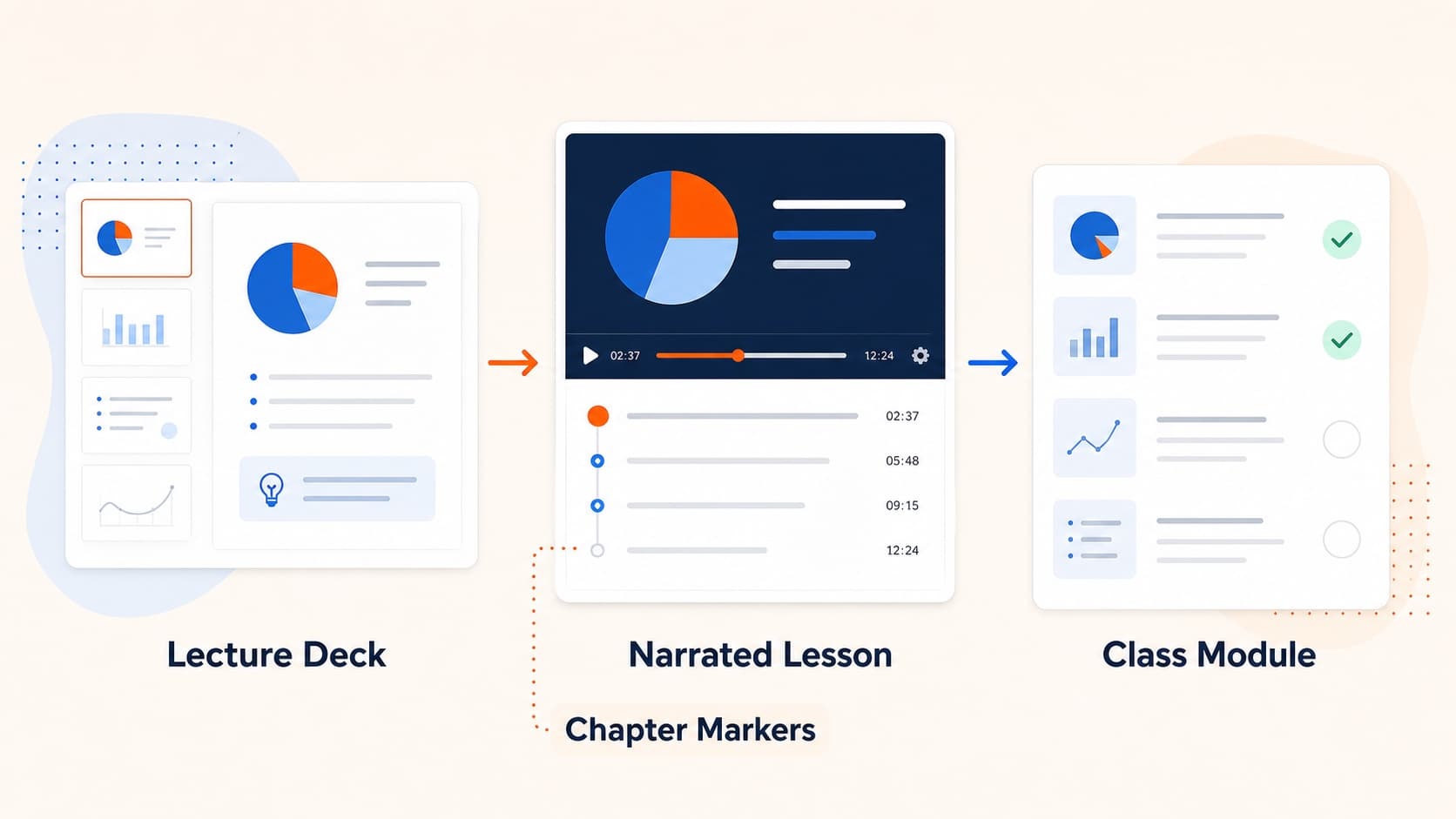
The hardest part of teaching the same course twice isn’t the second class — it’s re-recording the videos. Most lecture decks barely change between terms, but the recordings either get re-shot from scratch or get reused even when one slide has updated.

This post is a practical playbook for educators who want their lecture decks to ship as videos that survive multiple semesters with minimal effort.

Why slide-shaped lectures travel well

A slide-shaped lecture has three properties that make it a great async format:

  • The visual structure is already there. The viewer doesn’t need a presenter on camera to follow along.
  • The unit of revision is one slide. If chapter 3 changed, you re-narrate three pages, not the whole lecture.
  • The output is a single MP4. It uploads to Moodle, Canvas, Notion, your school’s LMS — all of them.

That third point matters: video files outlive web links. A self-hosted MP4 still plays in five years; a cloud presentation tool you stopped paying for usually doesn’t.

A workflow that holds up across semesters

The shape that works for most instructors:

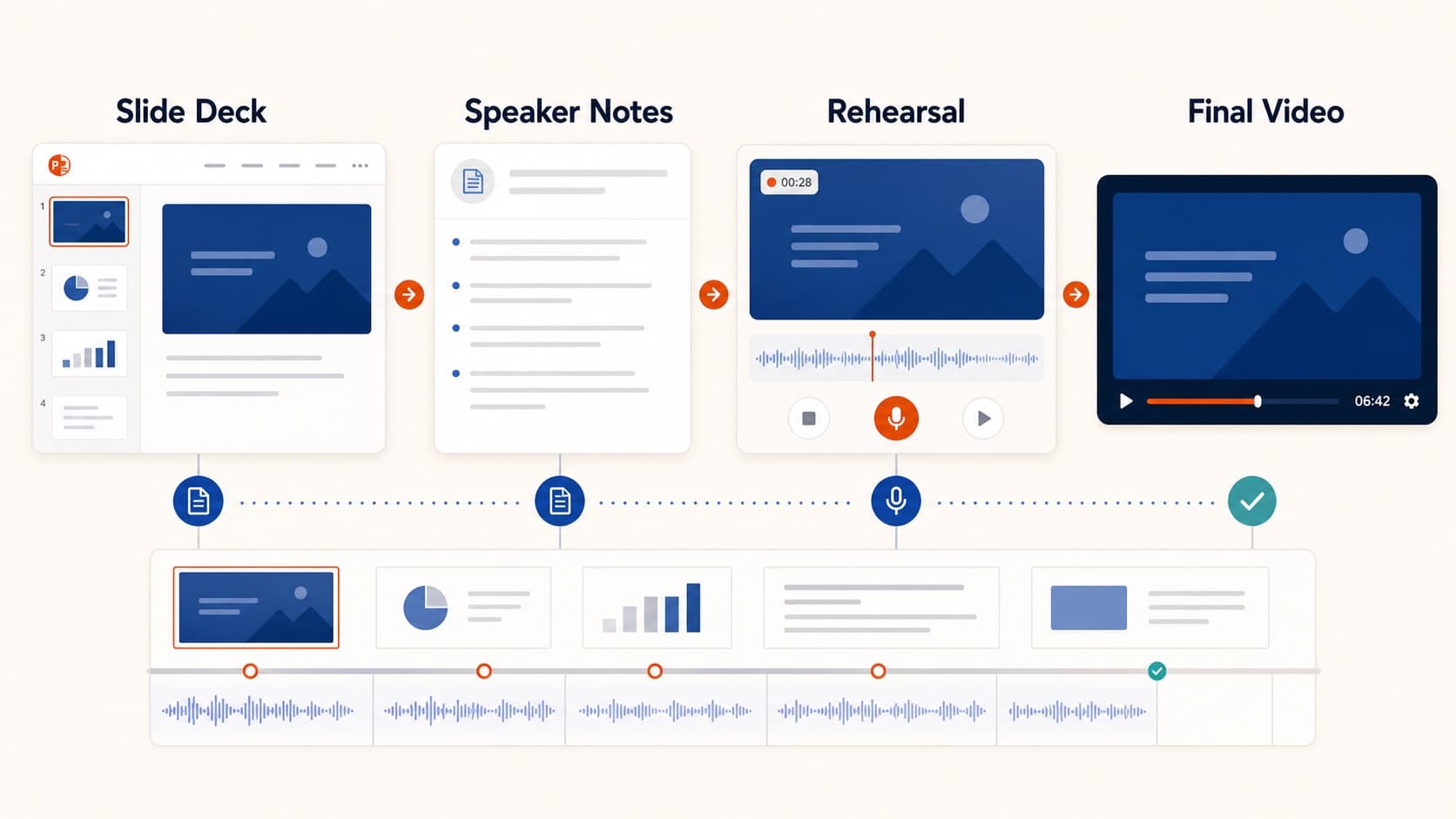
  1. Author the slide deck once — in PowerPoint, Keynote (export .pptx), or Google Slides (download as .pptx).
  2. Generate the narration once — Oral Slides reads each slide’s text + visuals, drafts a per-page script, and lets you edit before voicing.
  3. Pick a steady, low-energy voice for lectures. Higher-energy voices fatigue listeners over a 30-minute lesson.
  4. Export the MP4. Upload to your LMS or publish unlisted on YouTube + embed.
  5. Keep the project alive. Next term, edit only the slides that changed. Re-render audio for the affected pages. Re-export.

The combination of "generate once, edit per slide" is what makes this scale across 12 weeks of content.

Picking a voice for lectures

Lectures aren’t product demos. The voice you want is closer to "podcast reader" than "sales rep." Suggested defaults:

  • Ethan (M, neutral) — handles math, science, history, anything explanatory
  • Maia (F, knowledgeable) — strong for humanities, theory, literature
  • Andre (M, low-energy magnetic) — works well for long-form lectures

Test the voice on the slide with the most numbers or the most unfamiliar terminology. If the voice nails that, the rest of the deck will work.

Script tweaks that lift student comprehension

Three patterns that consistently make narrated lectures easier to follow:

  • Use a "what we’re about to do" sentence at the start of every slide. One short sentence, then the explanation.
  • Repeat key terms once. Spoken-only audiences can’t hover or re-read. Repetition is okay.
  • End every slide with a half-question ("…which raises the question of why.") so the next slide answers it. Builds a chain.

These tweaks aren’t style preferences; they’re a function of audio-only consumption. Students often listen on commutes or walks.

Subtitles for accessibility

The MP4 export doesn’t burn in subtitles yet. The simplest workflow:

  1. Upload the MP4 to YouTube unlisted.
  2. Wait 5–10 minutes for auto-captions.
  3. Edit the SRT (YouTube has a built-in editor).
  4. Embed the YouTube video in your LMS — captions follow automatically.

For institutional accessibility requirements that need burned-in captions, any video editor (DaVinci Resolve free tier works) can take the MP4 + the SRT and re-encode in one pass.

Re-using lectures next term

The cheapest workflow next term is:

  • Edit the slides that changed (often 3–5 of 30).
  • Open the project, regenerate audio for those slides only.
  • Re-export the MP4.

Because Oral Slides keeps per-slide audio in storage, the cost of "the deck got 10% better" is roughly 10% of the original generation cost — not 100%.

Where this falls down

Be honest about the limits:

  • If your lectures rely heavily on chalk-board derivations, video of a deck doesn’t replace that. Use a tablet recording for the derivation, and Oral Slides for the conceptual scaffolding.
  • If your style depends on real-time questions, async video is a different teaching mode — closer to a textbook than a class. Use it for the parts that don’t change, and live class for the parts that do.

The best fit is the middle 60% of a course: structured, slide-shaped, mostly stable content. That’s the part that benefits most from being "narrated once, watched many times."

All Posts

Author

avatar for Oral Slides Team
Oral Slides Team

Categories

  • Guides
  • Use Cases
Why slide-shaped lectures travel wellA workflow that holds up across semestersPicking a voice for lecturesScript tweaks that lift student comprehensionSubtitles for accessibilityRe-using lectures next termWhere this falls down

More Posts

SaaS Onboarding Videos That Actually Get Watched
GuidesUse Cases

SaaS Onboarding Videos That Actually Get Watched

A focused guide to building short, narrated onboarding videos from your product deck — when to send each one, what to put in them, and the metrics that matter.

avatar for Oral Slides Team
Oral Slides Team
2026/04/15
Async Internal Training Videos at Scale, Without a Studio
Use Cases

Async Internal Training Videos at Scale, Without a Studio

How HR, ops, and enablement teams turn quarterly slide decks into narrated training videos employees actually watch — with a workflow that scales to dozens of decks per year.

avatar for Oral Slides Team
Oral Slides Team
2026/04/20
5 Ways Sales Teams Use Slide-to-Video Workflows to Close Deals
Use Cases

5 Ways Sales Teams Use Slide-to-Video Workflows to Close Deals

How sales teams turn existing decks into narrated videos for demos, proposals, onboarding, and async stakeholder review.

avatar for Oral Slides Team
Oral Slides Team
2026/04/04

Newsletter

Join the community

Subscribe to our newsletter for the latest news and updates

LogoOral Slides

Slide-aware narration, voice, and MP4 delivery in one workflow

Product
  • Features
  • Pricing
  • FAQ
Resources
  • Blog
  • Documentation
  • Comparisons
  • Changelog
Company
  • Contact
Legal
  • Cookie Policy
  • Privacy Policy
  • Terms of Service
© 2026 Oral Slides. All Rights Reserved.