How to Make Training Videos from PowerPoint at Scale
Create training videos from PowerPoint without a studio. A practical system for HR, ops, and enablement teams to ship regenerable internal training videos.
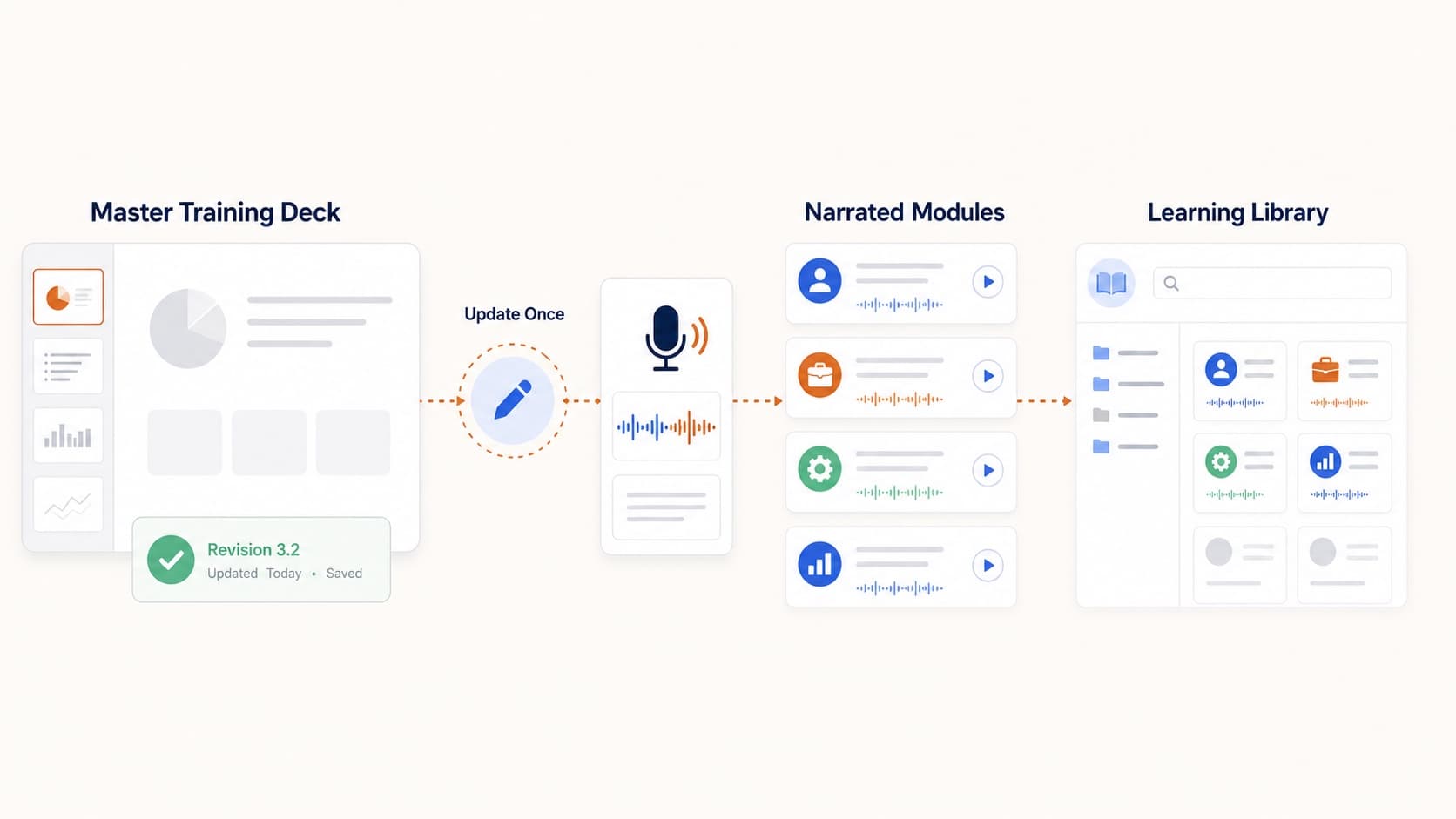
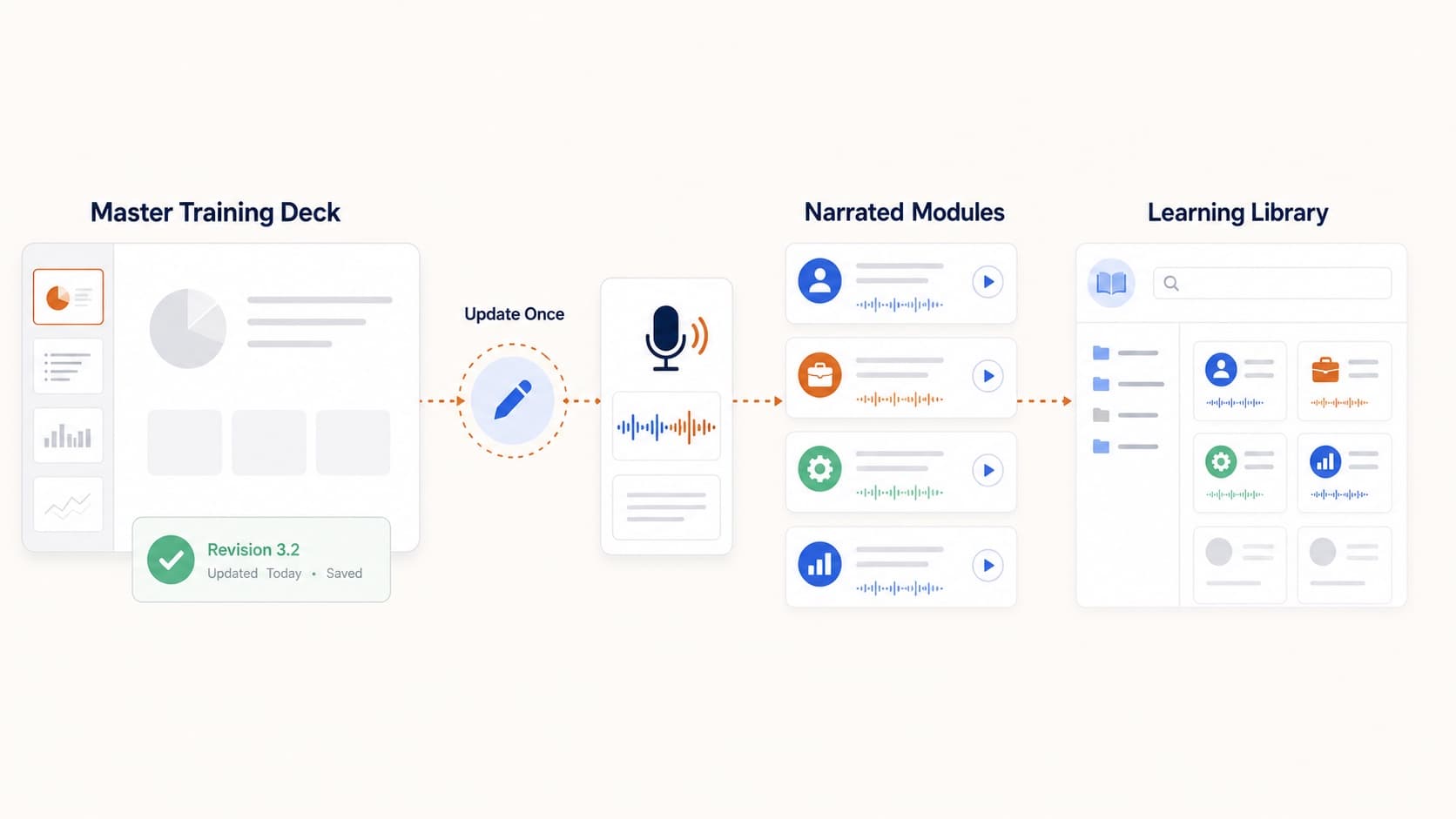
Most internal training starts as a slide deck and ends as a hard-to-update recording. The better pattern is a training video from PowerPoint library: one deck per topic, editable narration, and an MP4 you can regenerate when the process changes.
Shape of a healthy internal video library
- one video per topic
- each video regenerable from its source deck
- a shared drive or LMS location as the canonical home
- a quarterly review cadence
Why PowerPoint is the right source
Your SMEs already write in slides. If the deck is the source of truth, video production should not invent a second content system. Upload the .pptx, review the script, generate voice, export MP4, and store the project for the next revision.
Use the core pipeline in convert PowerPoint to video.
Production rules that scale
- Freeze slide order before audio.
- Keep one voice locked across the library.
- Write scripts that explain decisions, not labels.
- Prefer one topic per video over marathon recordings.
- Re-render only the slides that changed.
Naming and ownership
Use a naming convention that survives reorganizations:
YYYY-QN_team_topic_vN.mp4
Document the owner, review date, and source deck path. The next enablement hire should not have to reverse-engineer the library.
Where this does not fit
- highly emotional leadership messages
- mandatory content that requires a named executive voice
- sessions whose value is live Q&A
Those stay live or human-recorded. Everything repeatable can become a training video from PowerPoint.
Related guides
Final takeaway
Internal video scales when the unit of work is a slide deck, not a studio booking. Build regenerable MP4s from PowerPoint and review them on a calendar, not only when something breaks.
More Posts
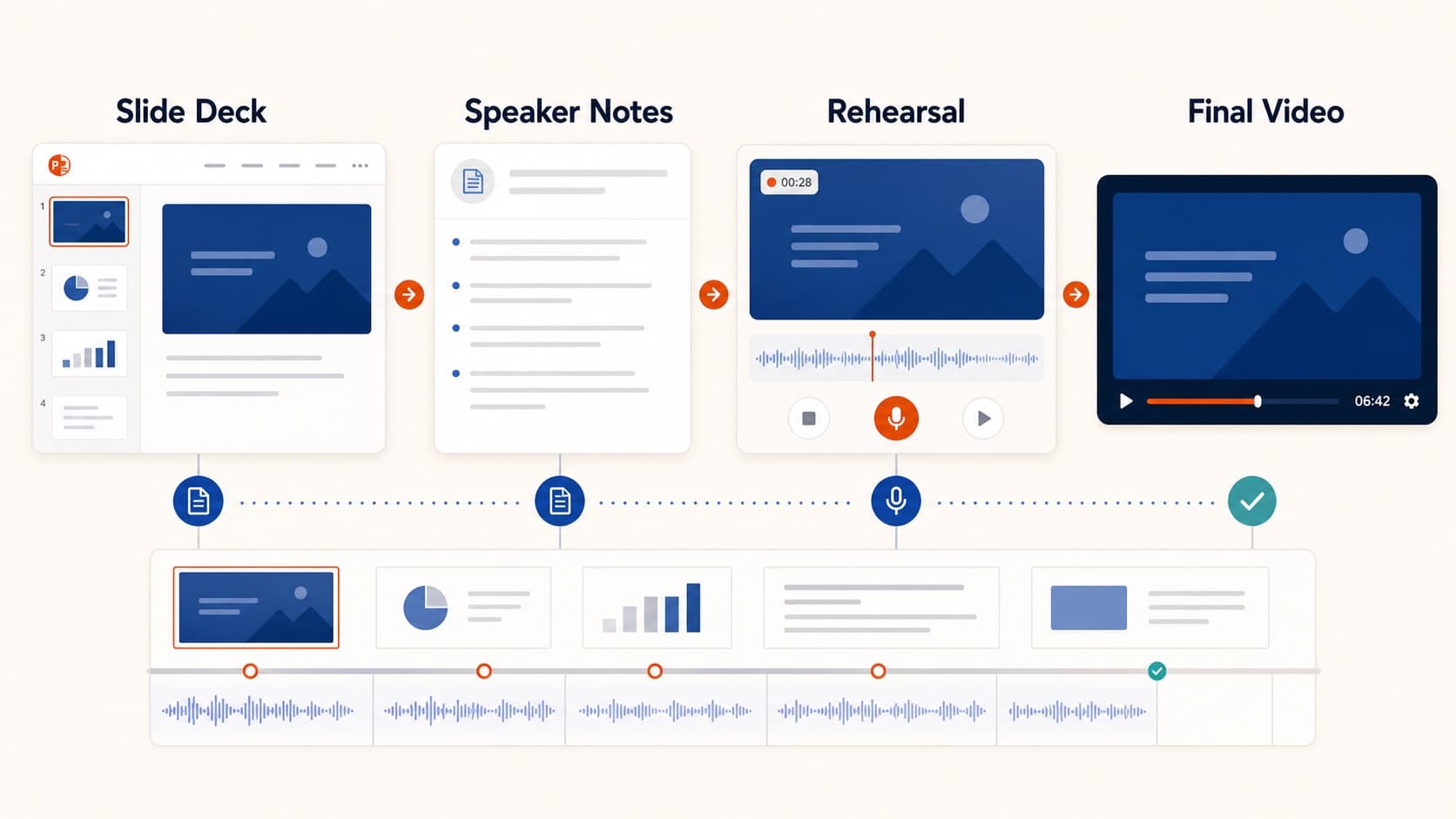
How to Create a Pre-Recorded Presentation Video from Slides
Create a pre-recorded presentation video from your slides without endless takes. Use a script-first workflow to hit conference duration, resolution, and file-size limits.

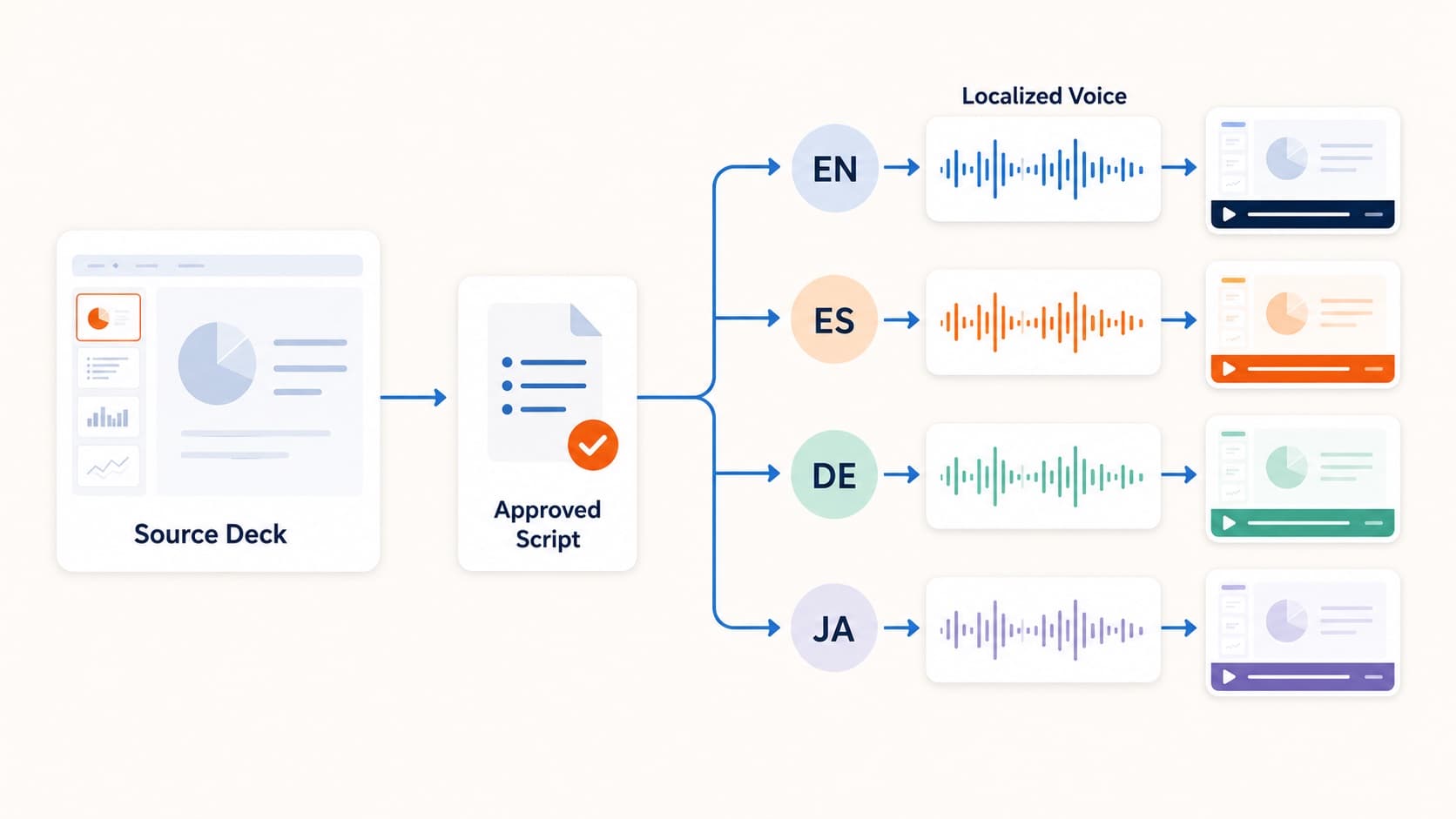
How to Create Multilingual Training Videos from One Deck
Create multilingual training videos from one PowerPoint deck. Localize scripts, generate language-specific narration, and re-export MP4s without booking studios per market.
How to Turn Slides into Video Lessons for Students
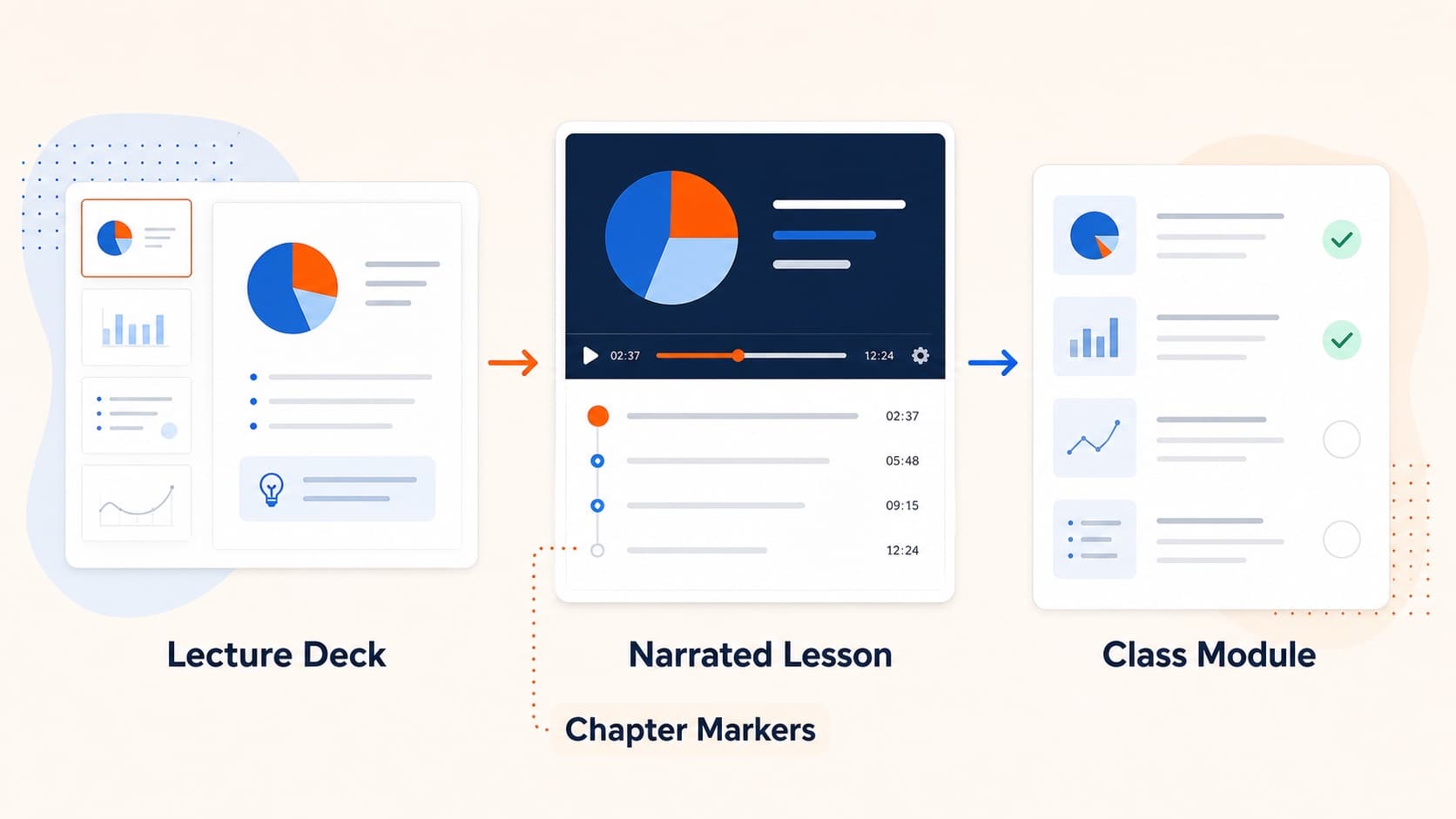
Turn lecture slides into video lessons students can rewatch. A practical workflow for teachers to create regenerable narrated MP4s from PowerPoint or Google Slides.