How to Create a Product Demo Video from Your Sales Deck
Build a product demo video from the sales deck you already use. A practical workflow for short narrated MP4 demos prospects can watch and forward asynchronously.
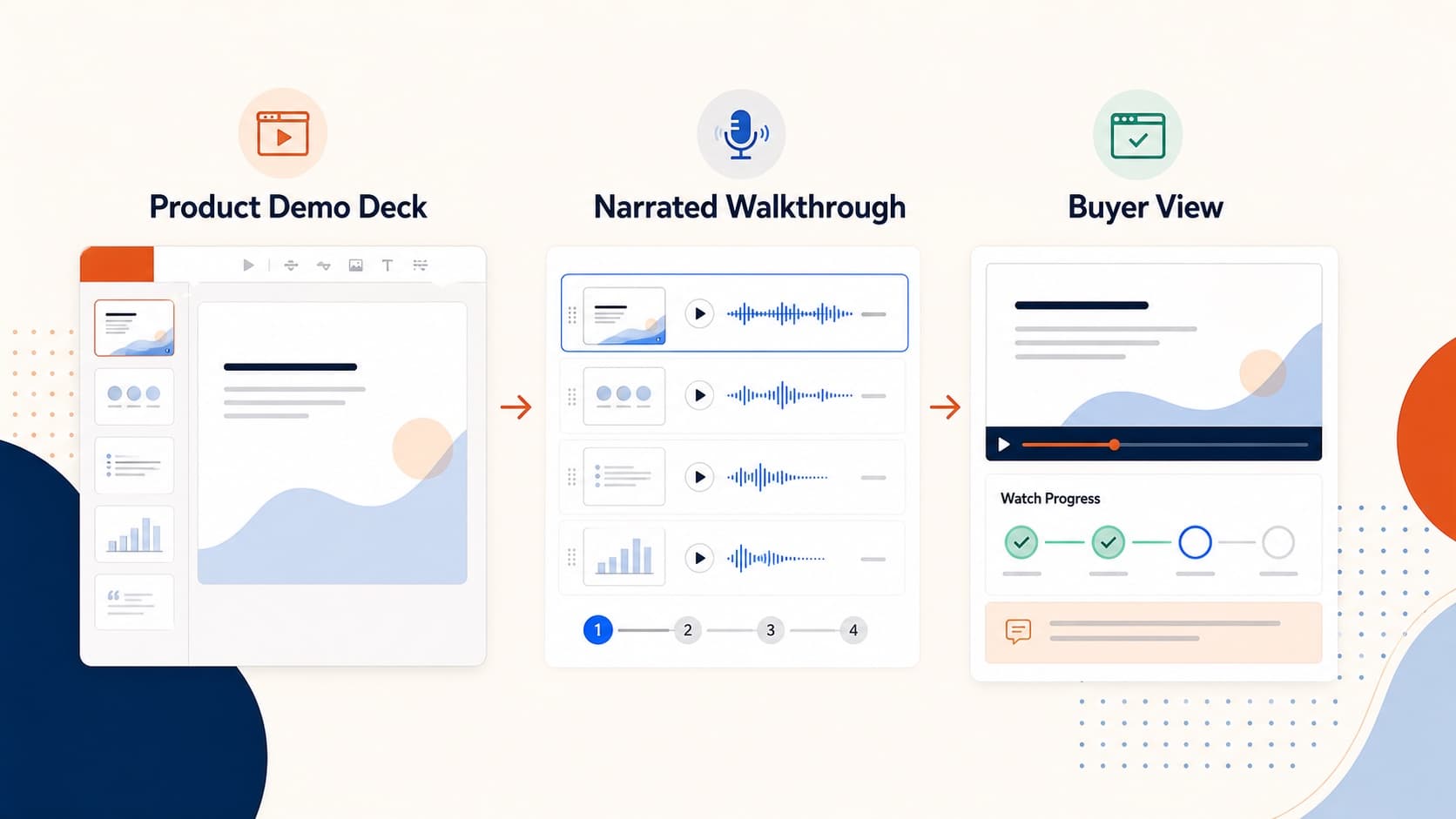
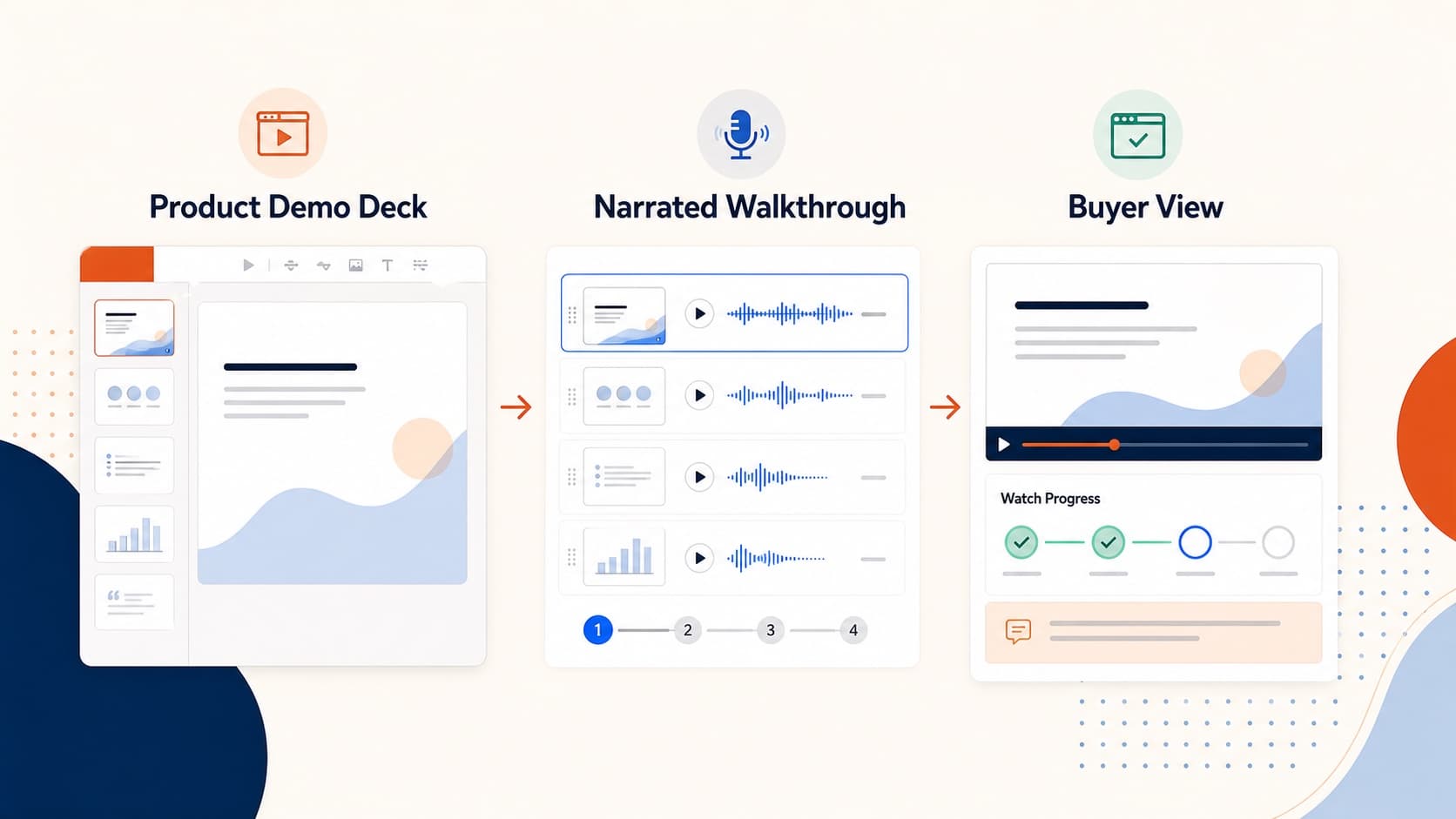
A strong product demo video does not require a studio or a new storyboard. Most teams already have the core asset: the sales deck. The job is to turn that deck into a short narrated MP4 prospects can watch on their own schedule and forward to stakeholders.
This guide shows when a narrated demo beats a live call, how to structure the video, and how to ship one from an existing deck in under an hour.
When a product demo video beats a live call
A live demo does three jobs:
- show the product
- build rapport
- qualify the prospect
A narrated sales demo video mainly does job one. That is enough for:
- first-touch outbound
- stakeholder forwarding after discovery
- time-zone mismatched follow-up
- repeated standard demos
- late-stage buyers who missed the original call
Keep live meetings for discovery, custom workflows, and final negotiation.
The 60-minute product demo video workflow
- Pull the existing demo deck.
- Prune to 8–10 slides.
- Upload the
.pptxto OralSlides. - Edit the per-slide script into spoken language.
- Choose a confident mid-energy voice.
- Generate audio and preview every slide.
- Fix the one or two weak pages.
- Export the MP4.
- Send a hosted link, not only a file attachment.
You are not inventing content. You are buying the narration layer on top of a deck that already sells.
If you need the general conversion steps, use convert PowerPoint to video.
Format that actually gets watched
- Hook the problem in the first 12 seconds.
- Show one demo path, not three personas at once.
- Put ROI early.
- Cap most videos at 6–8 minutes.
- End with one clear next step.
Tracking and follow-up
Host the product demo video where you can see opens or completions. Follow up with people who watched, not every cold recipient. Watched-the-video inbound is higher intent than unopened outbound.
Related guides
Final takeaway
The best product demo video is usually a tightened sales deck with spoken explanation, not a brand film. Ship the standard story as MP4, then reserve live time for the conversations that actually need a human in the room.
More Posts
How to Create a Pre-Recorded Presentation Video from Slides
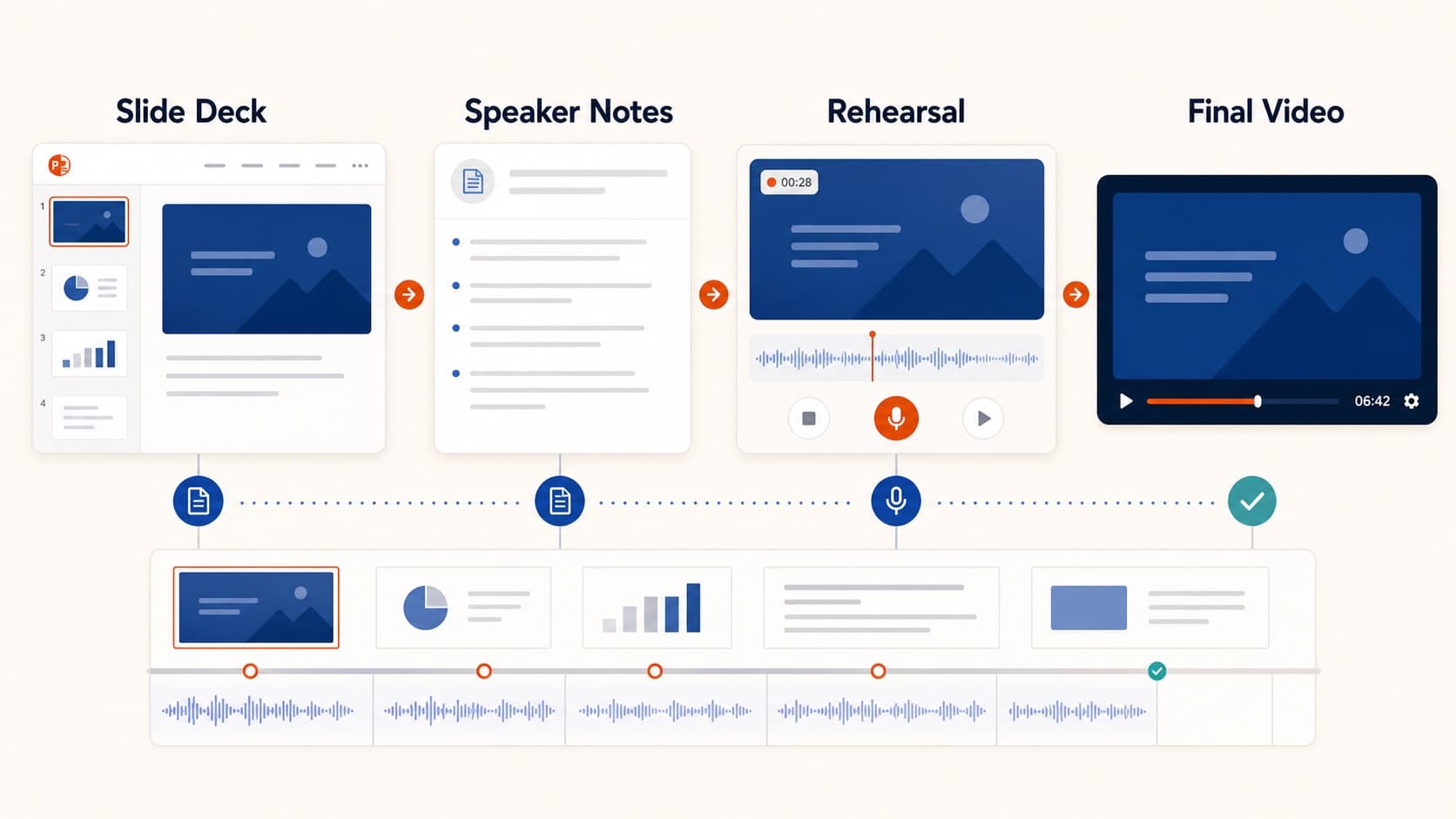
Create a pre-recorded presentation video from your slides without endless takes. Use a script-first workflow to hit conference duration, resolution, and file-size limits.

How to Create Multilingual Training Videos from One Deck
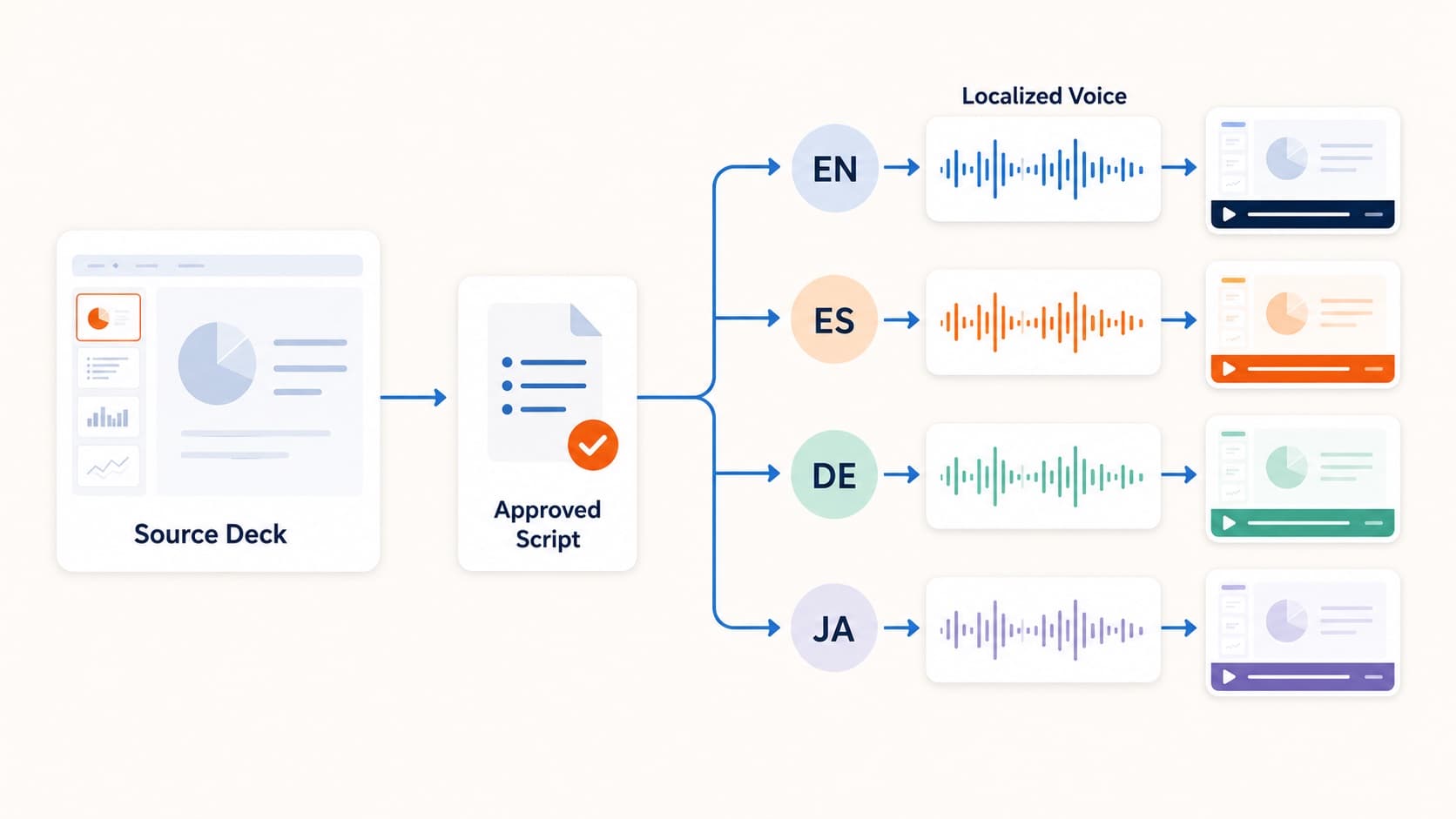
Create multilingual training videos from one PowerPoint deck. Localize scripts, generate language-specific narration, and re-export MP4s without booking studios per market.
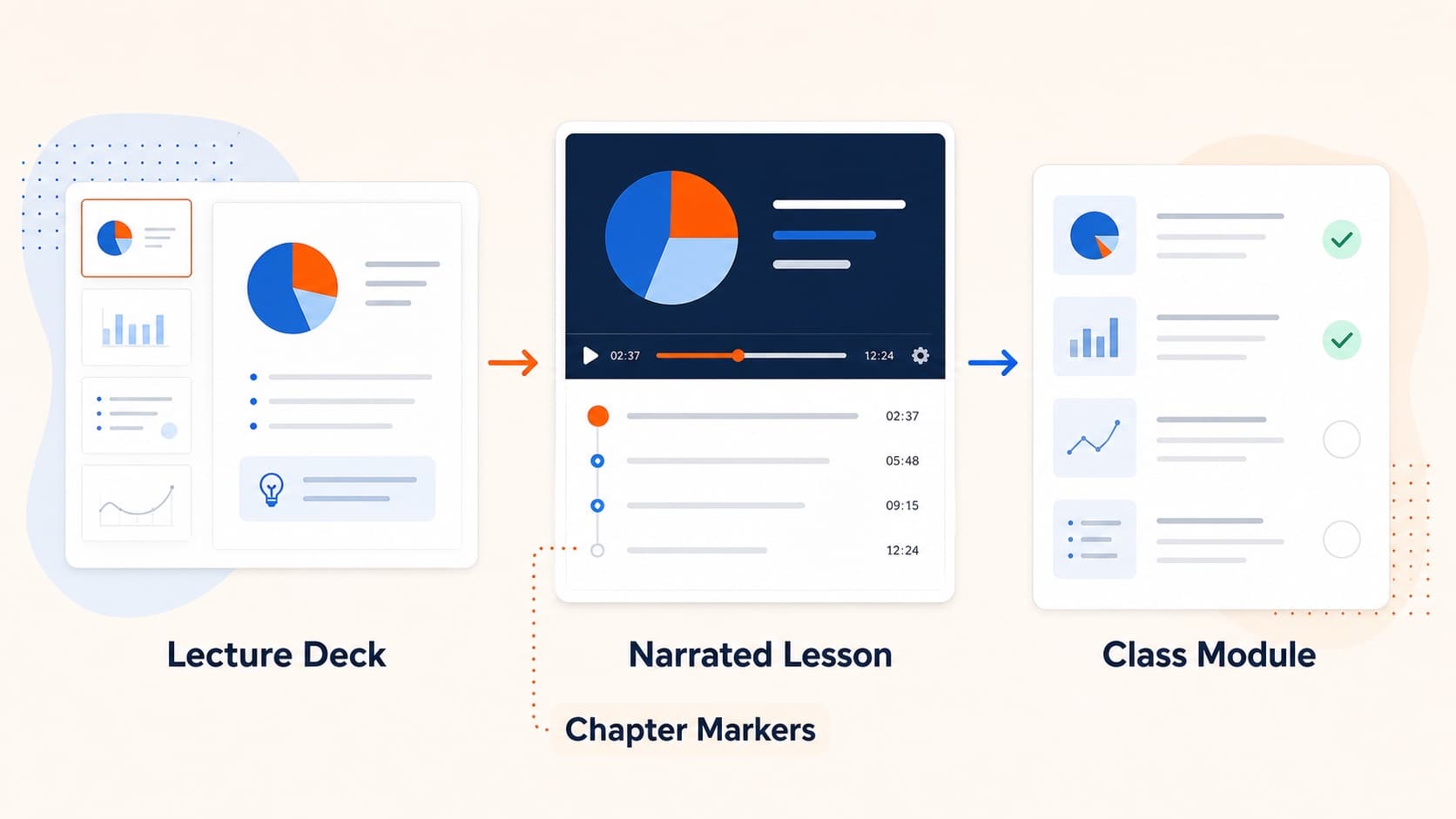
How to Turn Slides into Video Lessons for Students
Turn lecture slides into video lessons students can rewatch. A practical workflow for teachers to create regenerable narrated MP4s from PowerPoint or Google Slides.