LogoOral Slides
  • Features
  • Pricing
  • Compare
  • Blog
  • Docs
SaaS Onboarding Videos That Actually Get Watched
2026/04/15

SaaS Onboarding Videos That Actually Get Watched

A focused guide to building short, narrated onboarding videos from your product deck — when to send each one, what to put in them, and the metrics that matter.

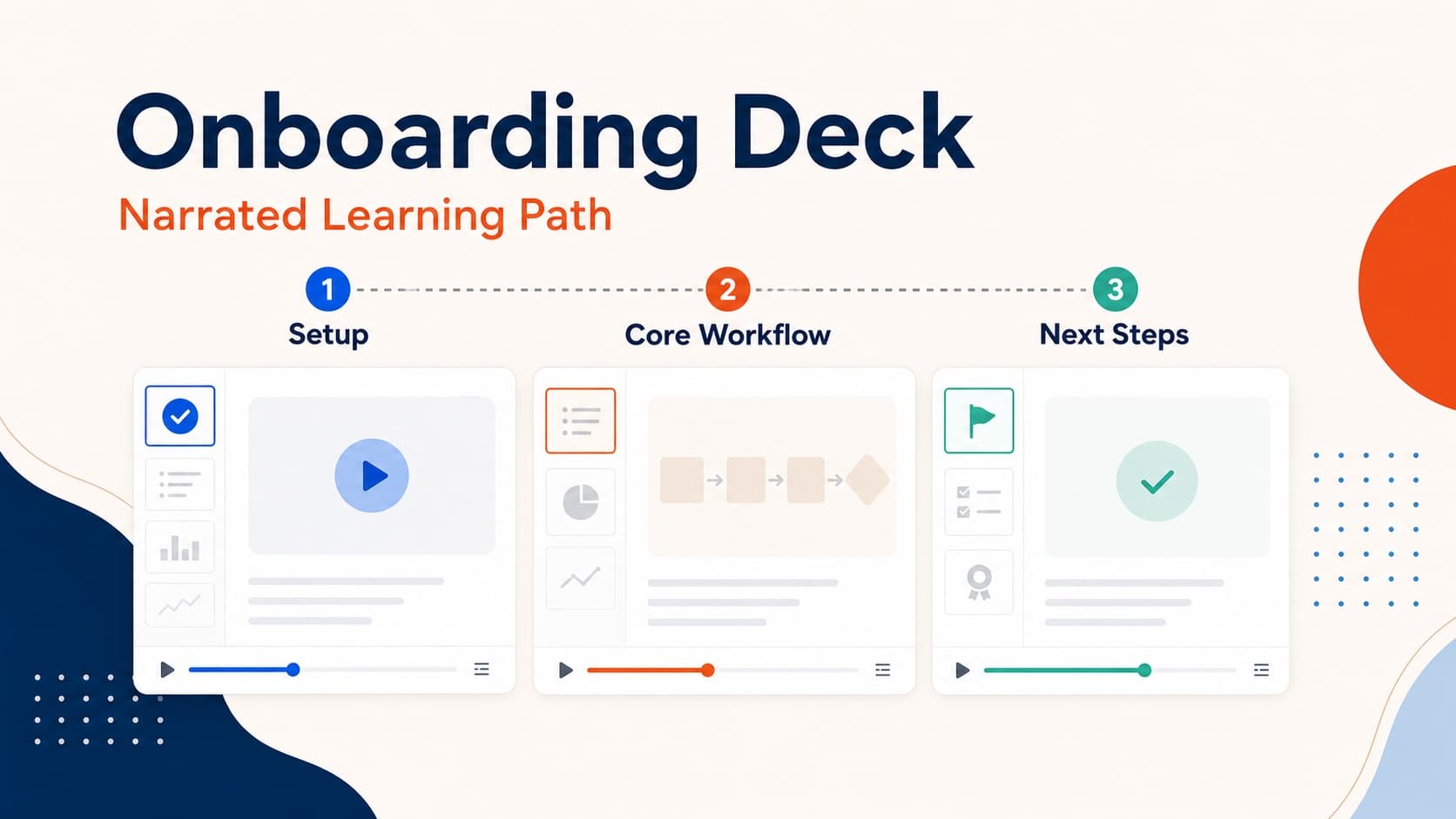
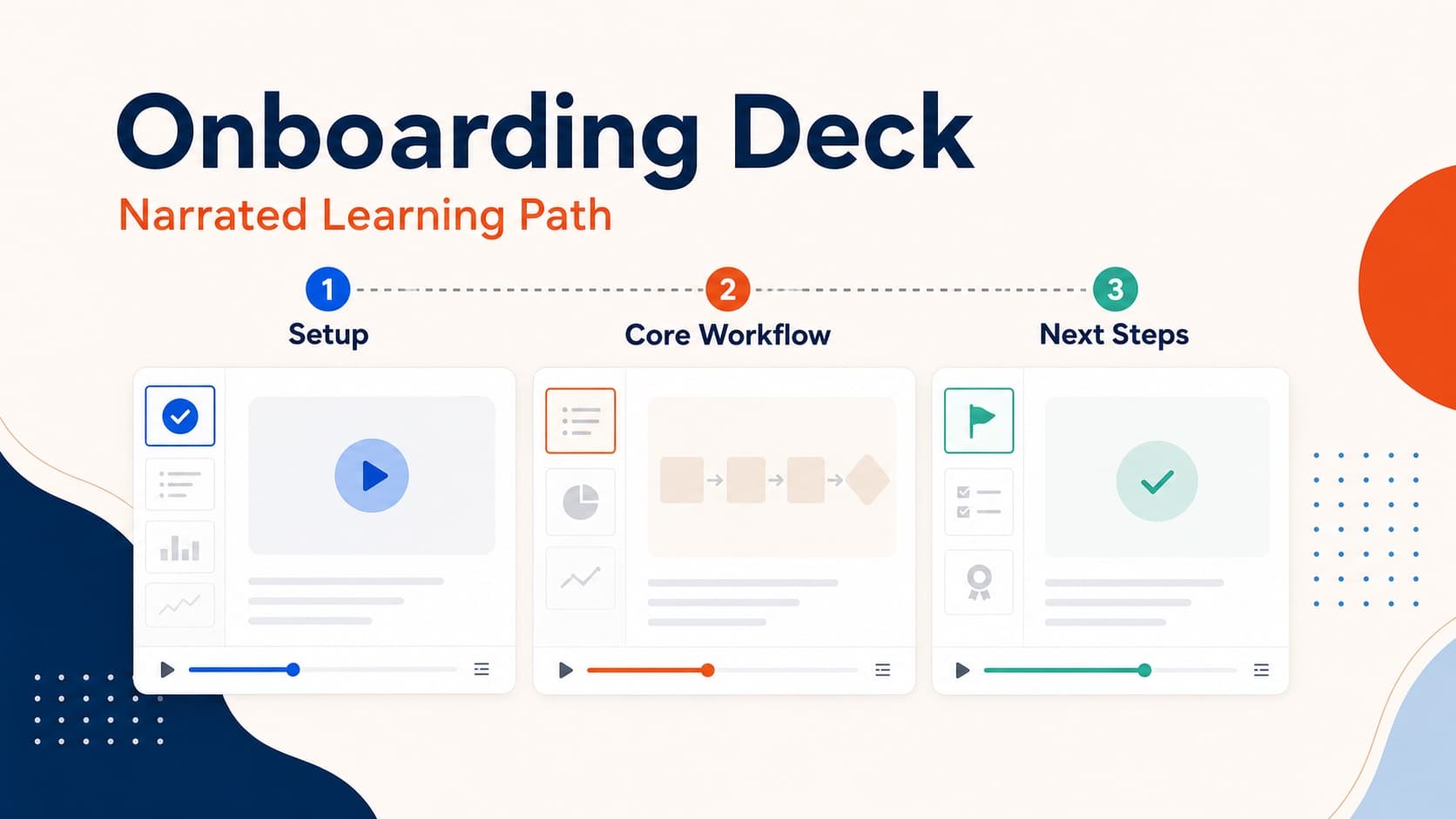
SaaS onboarding video timeline

Most SaaS onboarding sequences include "a welcome video" somewhere — usually a Loom from the founder, recorded once 18 months ago, slightly out of date. Users open it, watch 20 seconds, close it.

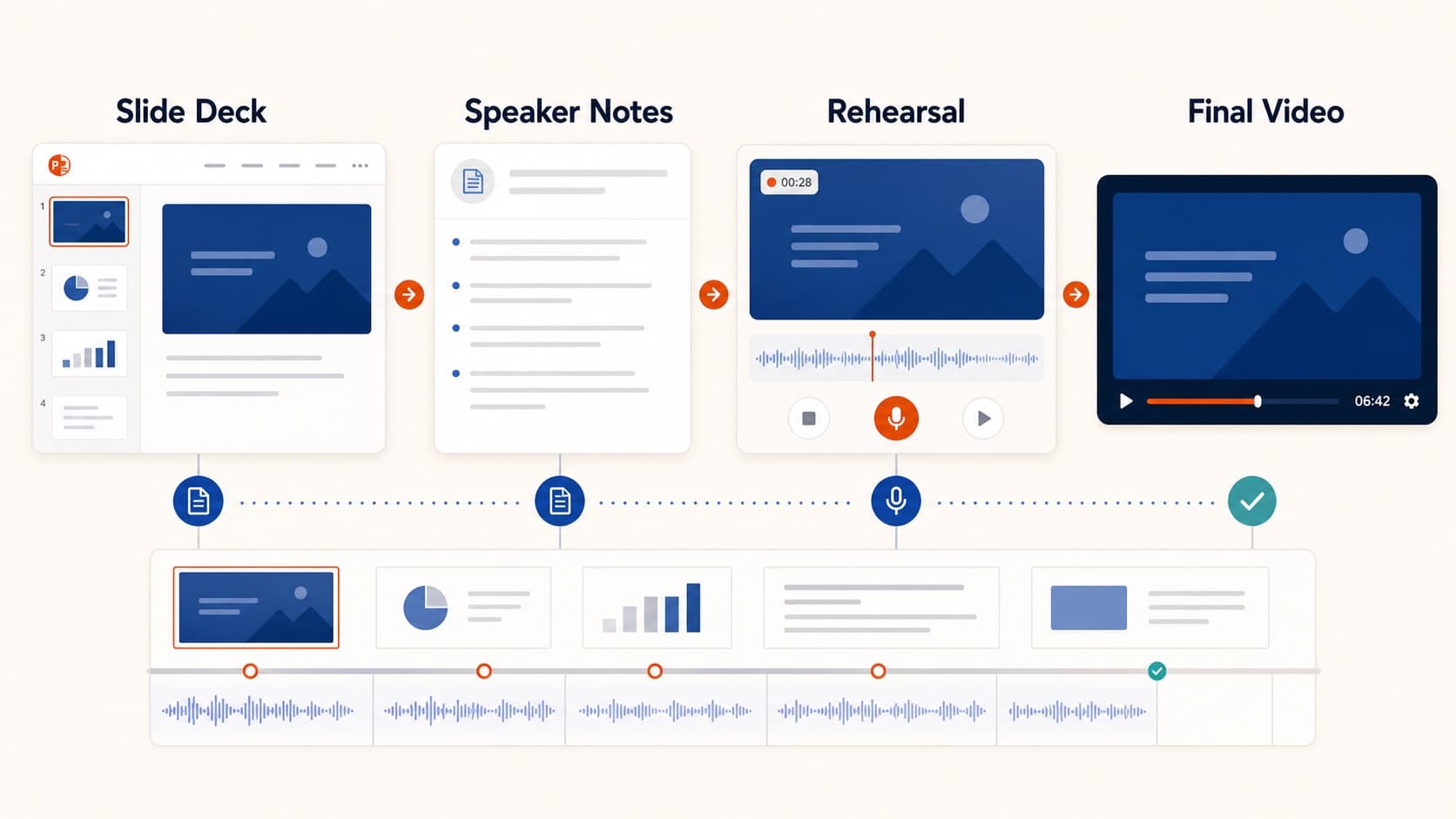
This post is about the next version of that: a series of three or four narrated MP4s built from your product deck, each timed to a specific moment in activation, each short enough to actually finish.

Why slide-shaped onboarding videos work

Three reasons the deck-as-source approach beats a single founder Loom:

  • They age well. The product deck is updated for sales anyway; reuse it for onboarding.
  • They’re segmentable. Different videos for different personas, easily.
  • They’re re-renderable. Pricing changed? Re-narrate slide 6, re-export. The Loom would need a full re-shoot.

The cost of keeping these fresh is the cost of keeping the slide deck fresh — which you already do.

The onboarding video timeline

A pattern that works for most SaaS funnels:

DayVideoLengthGoal
0Welcome + the one workflow you should try first90sGet them to the magic moment
1"Here’s what to set up next"3 minAccount configuration walkthrough
3"How teams use this in practice"5 minUse-case reinforcement
7"What you might be missing"4 minPower-user features

Notice: shorter at the start, longer later. A new user has the least context but also the lowest patience. Earn longer videos with more activation.

What to put in the Day 0 video

The Day 0 video does one job: get the user to the first activation moment. Everything else is noise.

A working structure:

  1. Slide 1 (10s): "Welcome. Here’s the one thing to do first."
  2. Slide 2–3 (40s): Show the one path. Don’t mention features. Don’t mention pricing. One path.
  3. Slide 4 (20s): "When you’re done, you’ll see X. That means it’s working."
  4. Slide 5 (10s): "Here’s the link. Go try it."

Total: 90 seconds. Anything longer and people drop. Anything shorter and they don’t know what to do.

Voice and tone

Onboarding videos are friendlier than sales demos but more focused than tutorials. Voices that work:

  • Cherry (F, warm) for consumer-facing SaaS
  • Ethan (M, neutral) for B2B horizontal SaaS
  • Aiden (M, friendly American) for global B2B SaaS with US-led sales

Keep the same voice across all four onboarding videos. A consistent voice signals continuity and brand.

Don’t over-segment too early

A common mistake: building 8 different onboarding paths for 8 personas before you’ve validated one path.

The pragmatic order:

  1. Ship the Day 0 video for the most common persona. Measure completion rate.
  2. Ship Day 1 if Day 0 is finishing above 60%.
  3. Add a second persona path only after the first is producing measurable activation lift.

Building eight paths before the first one converts is a classic case of premature optimization with no data.

Metrics that matter

Two metrics tell you if these are working:

  • Completion rate — what % of viewers finished the video. Below 30% means the video is too long or the hook is wrong.
  • Activation rate of viewers vs non-viewers — does someone who watched the Day 0 video activate at a higher rate? If not, the video is decoration, not infrastructure.

Don’t track view count. View count is vanity. Completion + activation correlation is the real signal.

Where this falls down

Honest constraints:

  • Highly visual products (design tools, video editors, 3D software) need real screen recording, not slide narration. Pair: Oral Slides for the conceptual scaffolding, screen recording for the actual click flow.
  • High-touch enterprise sales rarely benefits from generic onboarding videos. The CSM is already there.
  • Complex multi-step setups that vary per customer don’t fit a single video. Make the concepts video; let docs handle the variation.

For everything in the long tail of self-serve SaaS — the use case where most onboarding videos live — a deck-as-source pipeline is the cheapest, freshest, most repeatable format that exists.

All Posts

Author

avatar for Oral Slides Team
Oral Slides Team

Categories

  • Guides
  • Use Cases
Why slide-shaped onboarding videos workThe onboarding video timelineWhat to put in the Day 0 videoVoice and toneDon’t over-segment too earlyMetrics that matterWhere this falls down

More Posts

How to Turn a PowerPoint into a Narrated Video in 5 Minutes
GuidesTutorial

How to Turn a PowerPoint into a Narrated Video in 5 Minutes

A practical step-by-step workflow for turning any PPT deck into a narrated MP4 with AI scripts, voiceover, and export.

avatar for Oral Slides Team
Oral Slides Team
2026/04/06
AI Narration vs Human Voiceover for Slide Videos
Guides

AI Narration vs Human Voiceover for Slide Videos

How to decide between AI voice and human recording for demos, training, courses, and customer-facing presentation videos.

avatar for Oral Slides Team
Oral Slides Team
2026/04/05
Why Async Product Demos Beat Live Calls for Most Sales Cycles
GuidesUse Cases

Why Async Product Demos Beat Live Calls for Most Sales Cycles

A pragmatic argument — and a workflow — for replacing the standard 30-minute demo call with a 6-minute narrated MP4 the prospect can watch on their schedule.

avatar for Oral Slides Team
Oral Slides Team
2026/04/18

Newsletter

Join the community

Subscribe to our newsletter for the latest news and updates

LogoOral Slides

Slide-aware narration, voice, and MP4 delivery in one workflow

Product
  • Features
  • Pricing
  • FAQ
Resources
  • Blog
  • Documentation
  • Comparisons
  • Changelog
Company
  • Contact
Legal
  • Cookie Policy
  • Privacy Policy
  • Terms of Service
© 2026 Oral Slides. All Rights Reserved.