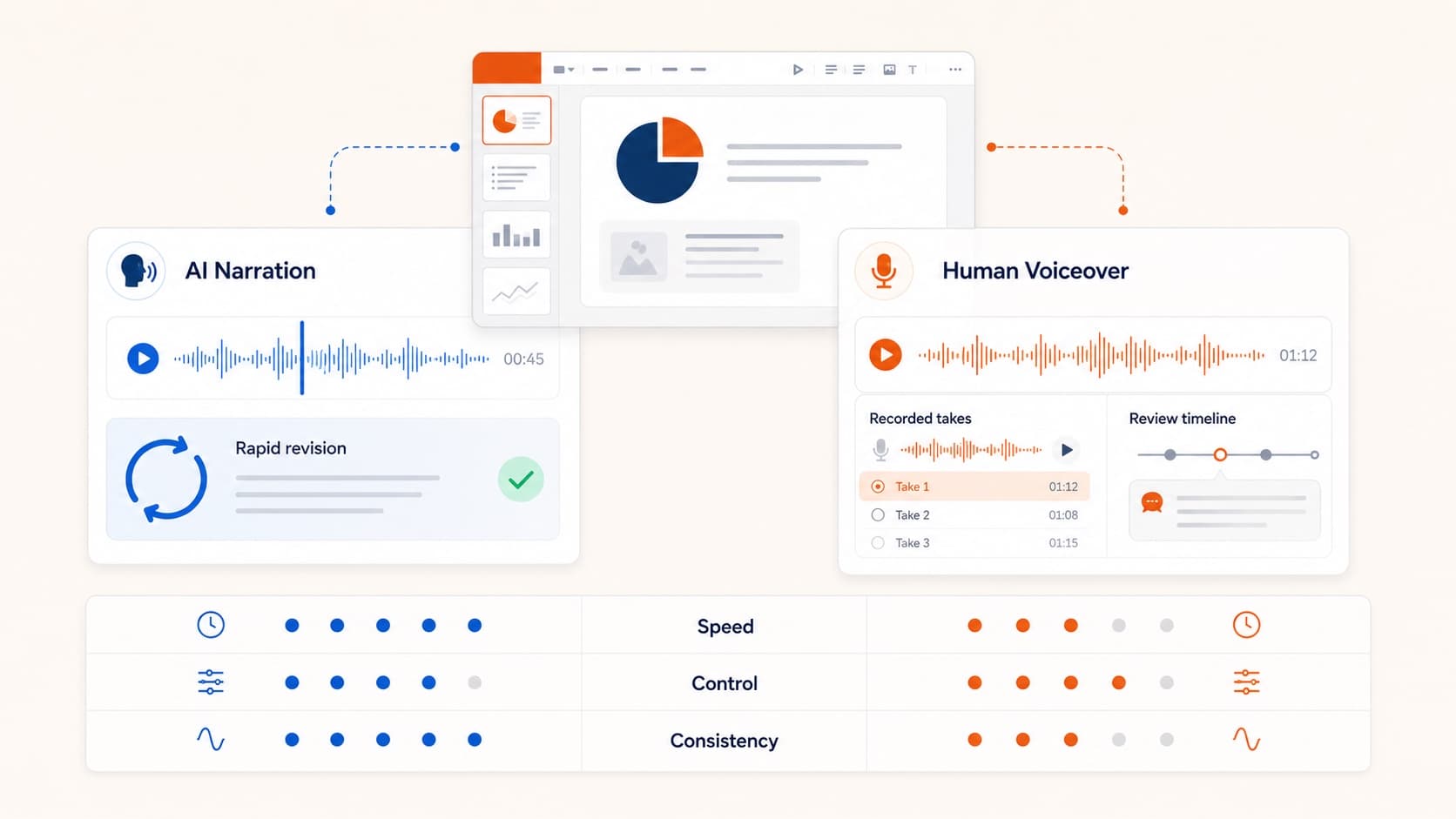
AI Voice Over for PowerPoint: When to Use AI vs Human
Decide when AI voice over for PowerPoint is enough and when human narration is worth the cost. A practical framework for demos, training, courses, and customer videos.
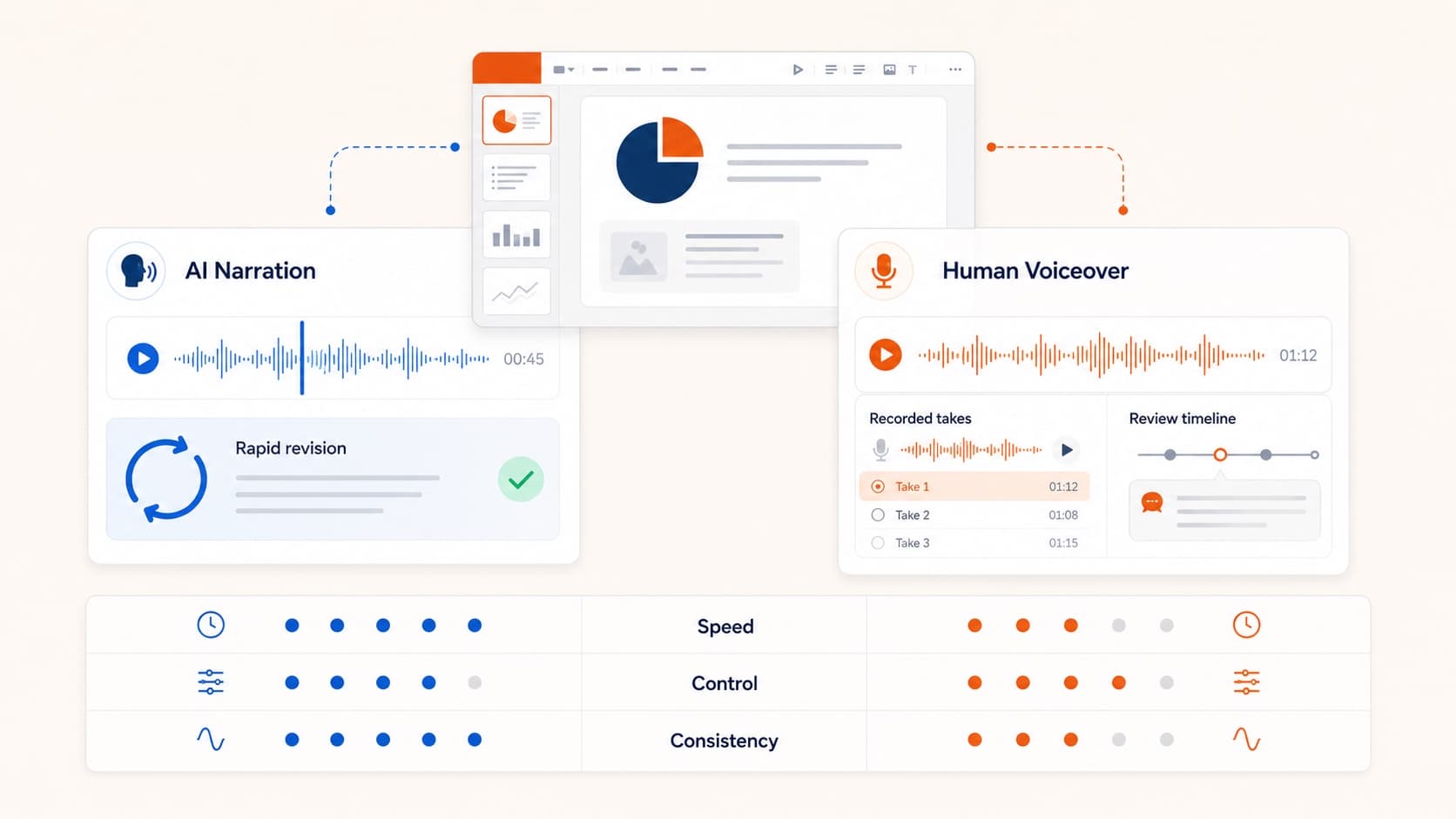
The useful question is not whether synthetic speech sounds “real enough.” The useful question is whether AI voice over for PowerPoint is the right production choice for this deck, this audience, and this release cadence.
For most slide-based videos, AI narration is the default starting point. Human recording is the premium option you reserve for moments where the speaker’s identity carries strategic value.
Use AI voice over when speed is part of the product
AI wins when turnaround matters more than performance nuance:
- weekly product updates
- onboarding and SOP libraries
- sales follow-up videos
- translated explainers
- stakeholder recaps that need fast iteration
If the deck changes often, AI gives you a versionable workflow: edit the script, regenerate the affected slides, ship again.
Use human voiceover when identity is the message
Human narration still matters when the speaker is inseparable from the content:
- founder updates
- keynote-style launches
- emotionally sensitive topics
- premium brand campaigns
In those cases the audience is reading intention and personality from the voice itself.
Decision framework
- Will this content be updated often?
- Does the audience care who is speaking?
- Is the video mostly explanatory or mostly persuasive?
- Do you need multilingual variants quickly?
If the answers are “yes, no, explanatory, yes,” choose AI voice over for PowerPoint.
If the answers are “rarely, yes, persuasive, no,” human voice may be worth the cost.
Where AI is already stronger
- iteration speed on multi-slide decks
- operational scale for enablement teams
- language coverage from one approved script
Where human recording still wins
- trust-heavy communication
- fine emotional control
- signature brand voice systems
Hybrid model most teams should use
- AI for internal and repeatable workflows
- AI for draft exports that need review
- human voice for flagship assets
If you need the production steps, start with how to narrate a PowerPoint and convert PowerPoint to video.
Related guides
Recommendation
Start with AI narration by default. Escalate to human voice only when speaker identity changes how the audience receives the message.
More Posts
AI PowerPoint Narrator: How Slide-Aware Narration Works
An AI PowerPoint narrator should do more than read bullets. Learn how slide-aware scripts, editable voiceover, and MP4 export create reusable presentation videos.

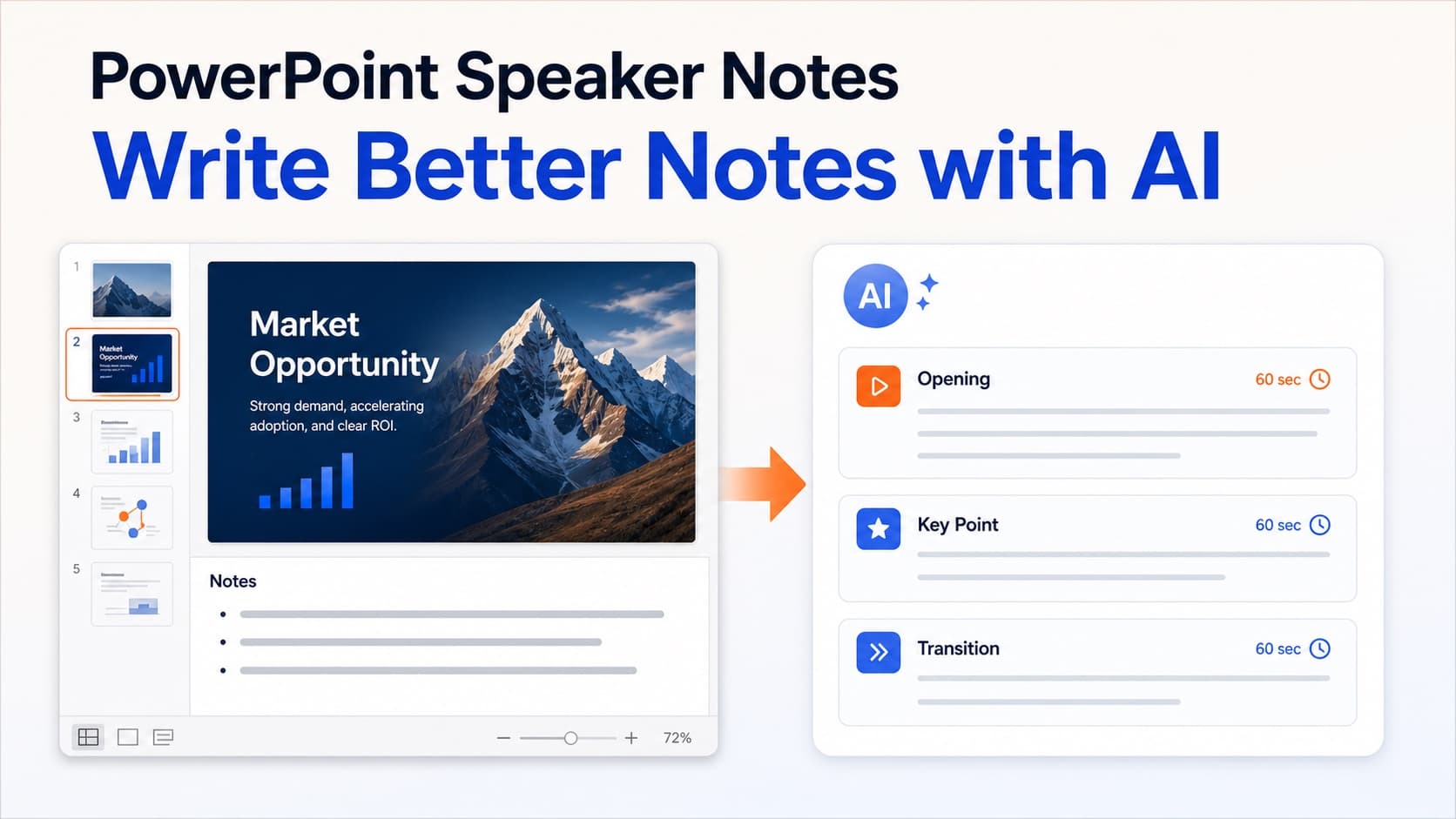
How to Write Better PowerPoint Speaker Notes with AI
Learn how to add, write, format, and improve PowerPoint speaker notes—and use AI to turn slide content into a clear narration script.
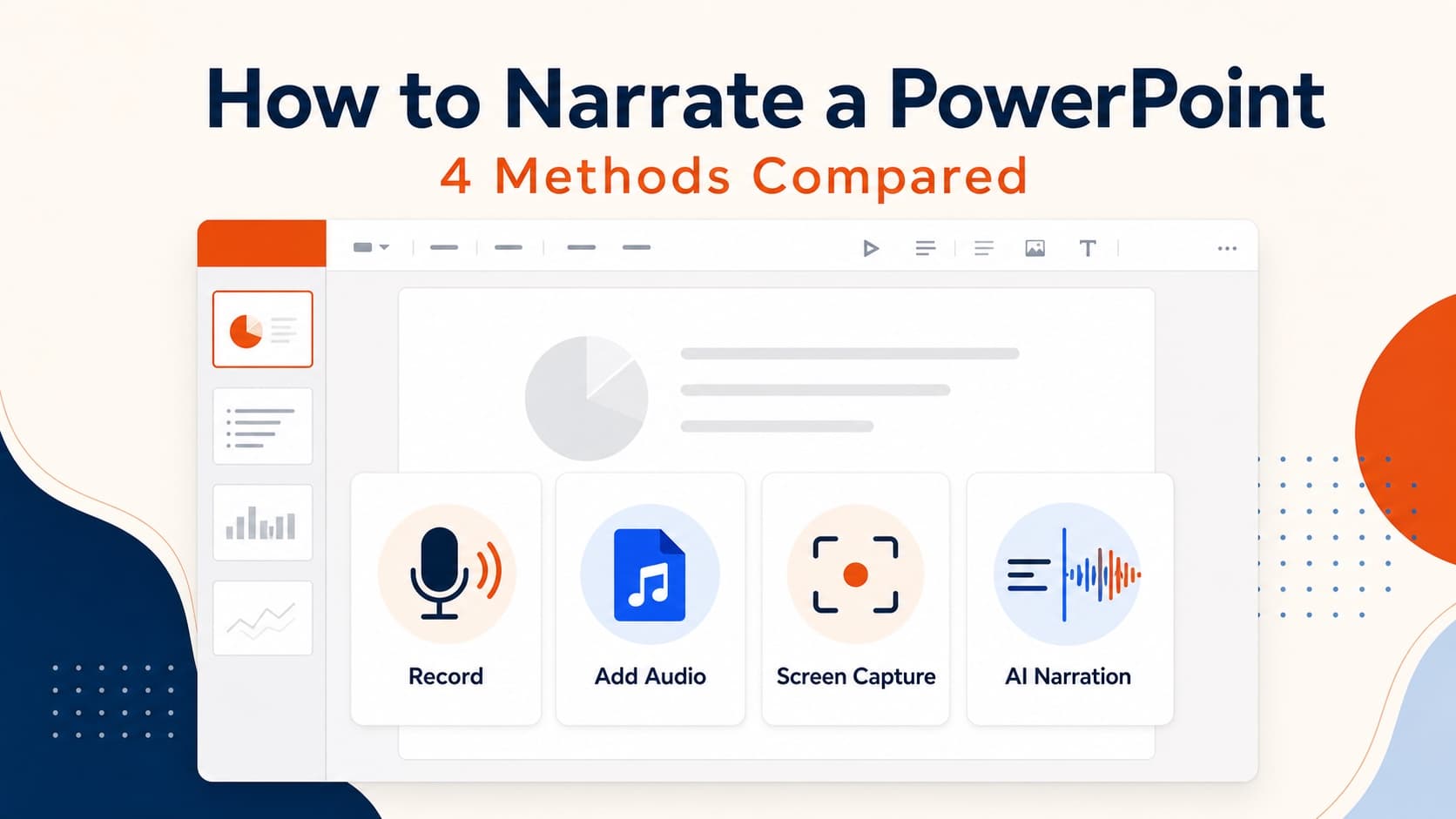
How to Use Text to Speech in PowerPoint the Right Way
Use text to speech in PowerPoint without robotic slide reading. Turn speaker notes or AI scripts into clear narration, then export a reusable narrated video.