GuidesProduct
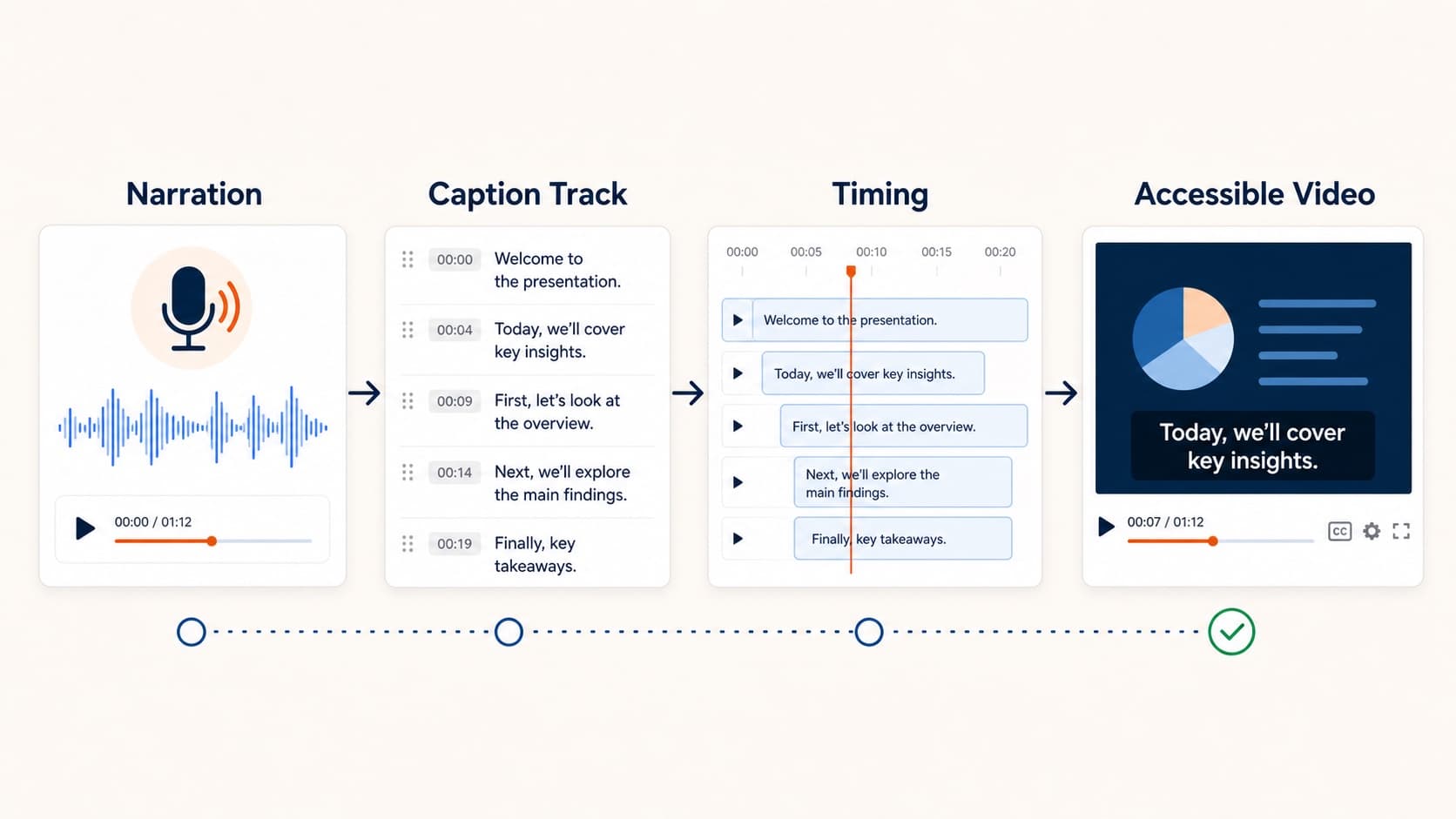
How to Add Captions to a Presentation Video Automatically
Learn how to add captions to a presentation video without a separate transcription pass. Why sound-off viewers bounce, and how script-based narration makes subtitles automatic.

GuidesTutorial
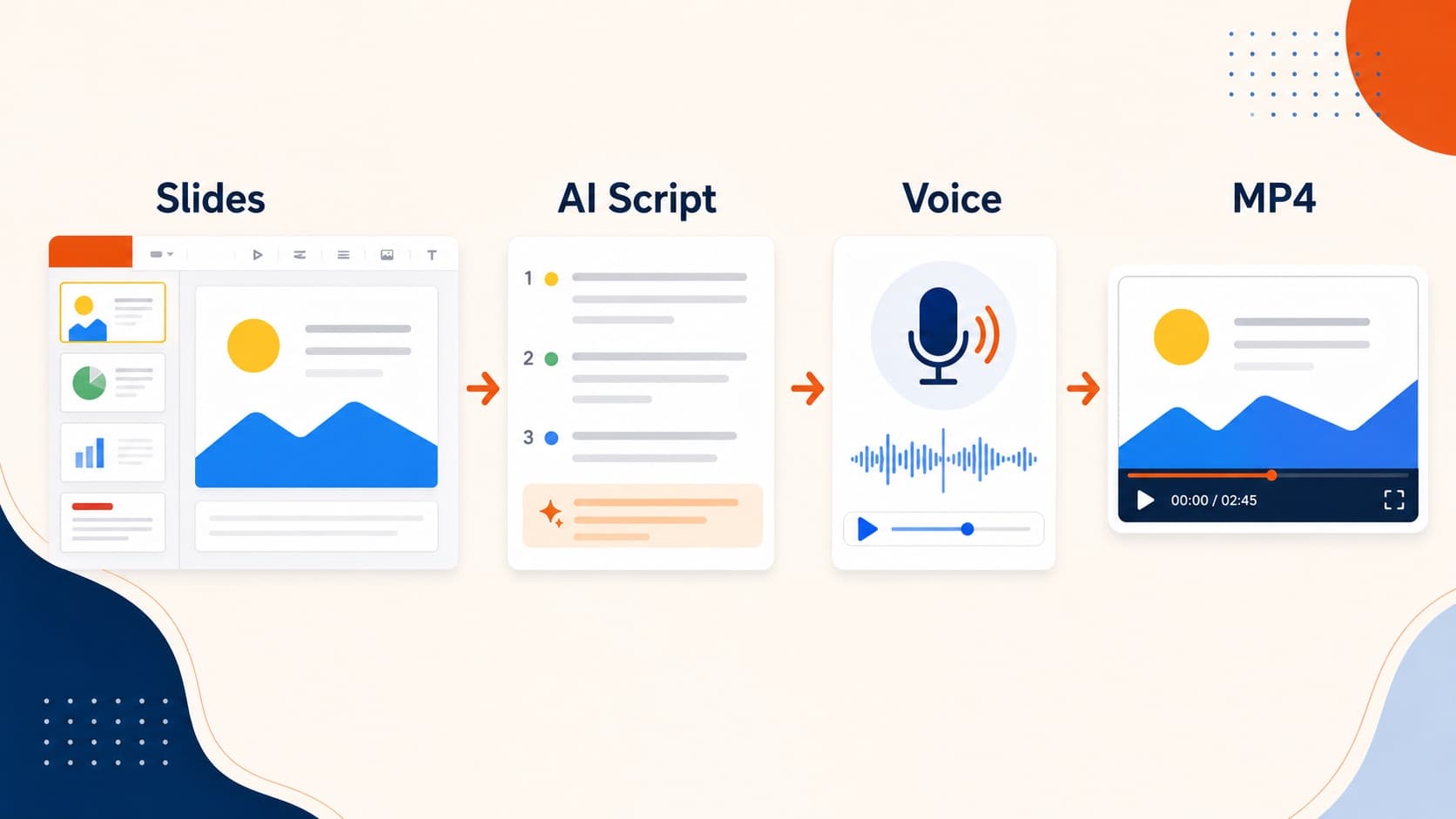
How to Convert Google Slides to Video (MP4 Guide)
Google still has no native Google Slides to MP4 export. Compare Workspace recording, screen capture, and the .pptx AI narration route to turn Google Slides into video.
GuidesTutorial
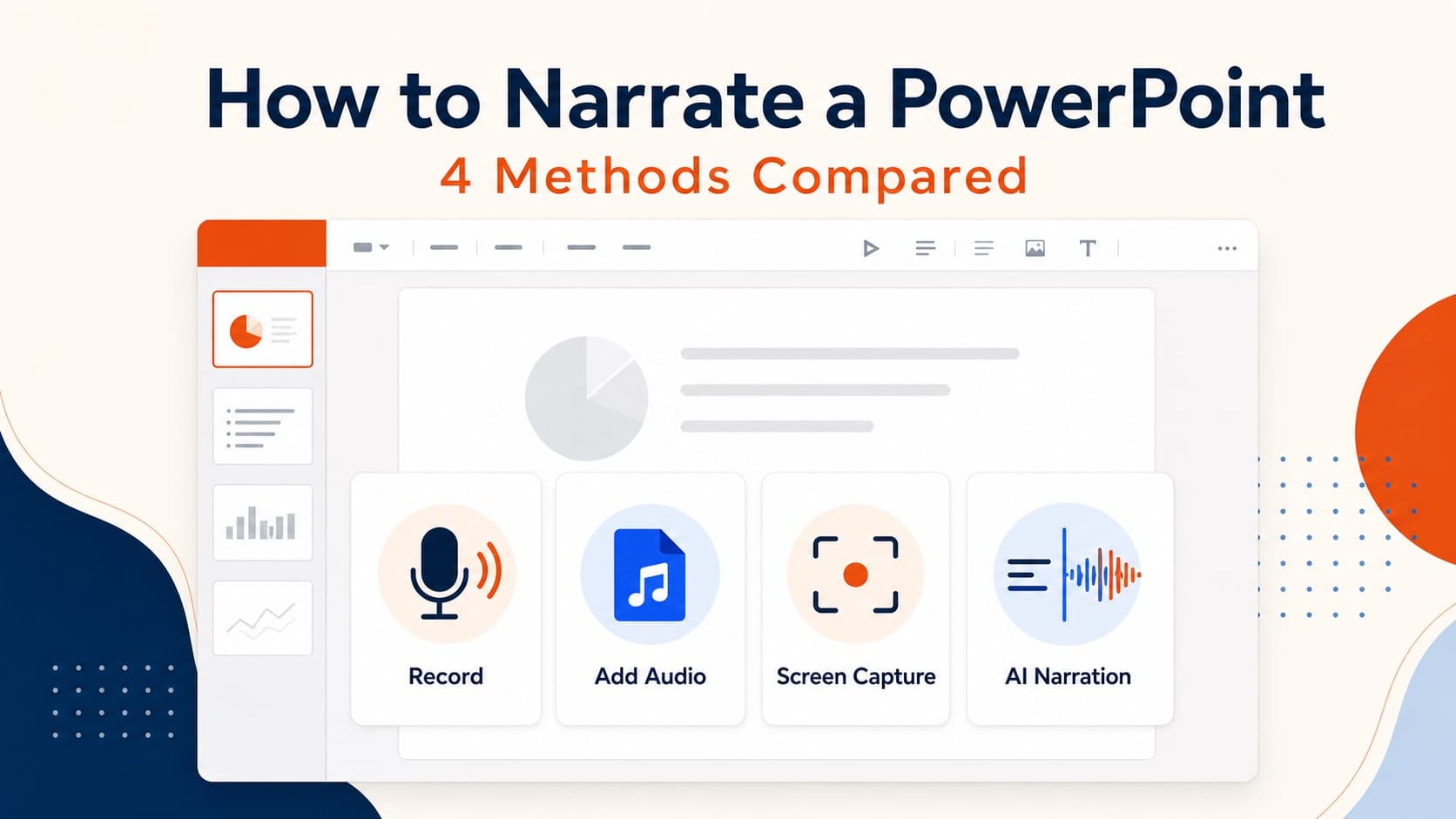
How to Narrate a PowerPoint: 4 Methods Compared
Learn how to narrate a PowerPoint using built-in recording, slide audio, screen capture, or AI voiceover—and choose the best method for your deck.
GuidesUse Cases
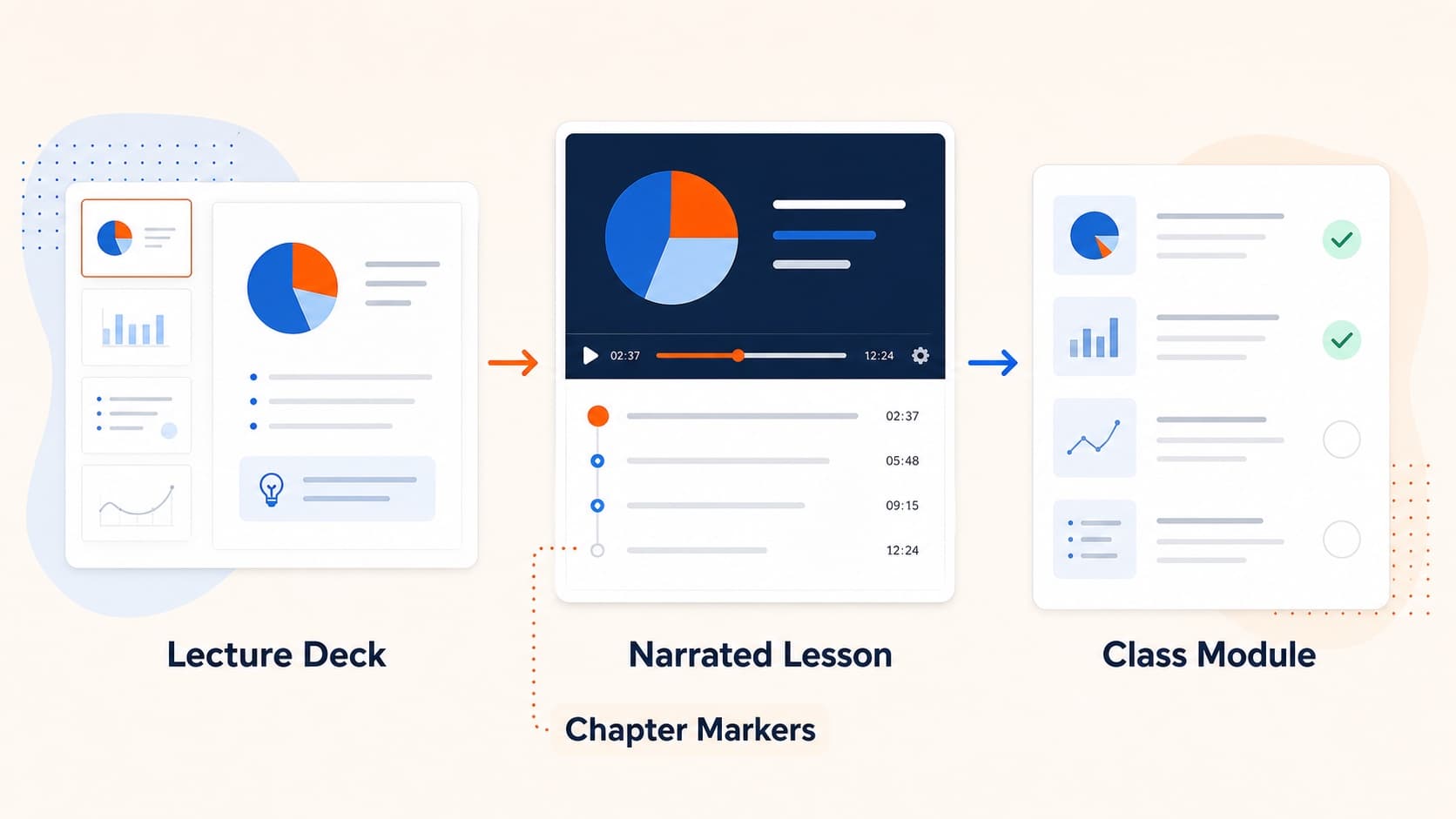
How to Turn Slides into Video Lessons for Students
Turn lecture slides into video lessons students can rewatch. A practical workflow for teachers to create regenerable narrated MP4s from PowerPoint or Google Slides.
Use Cases
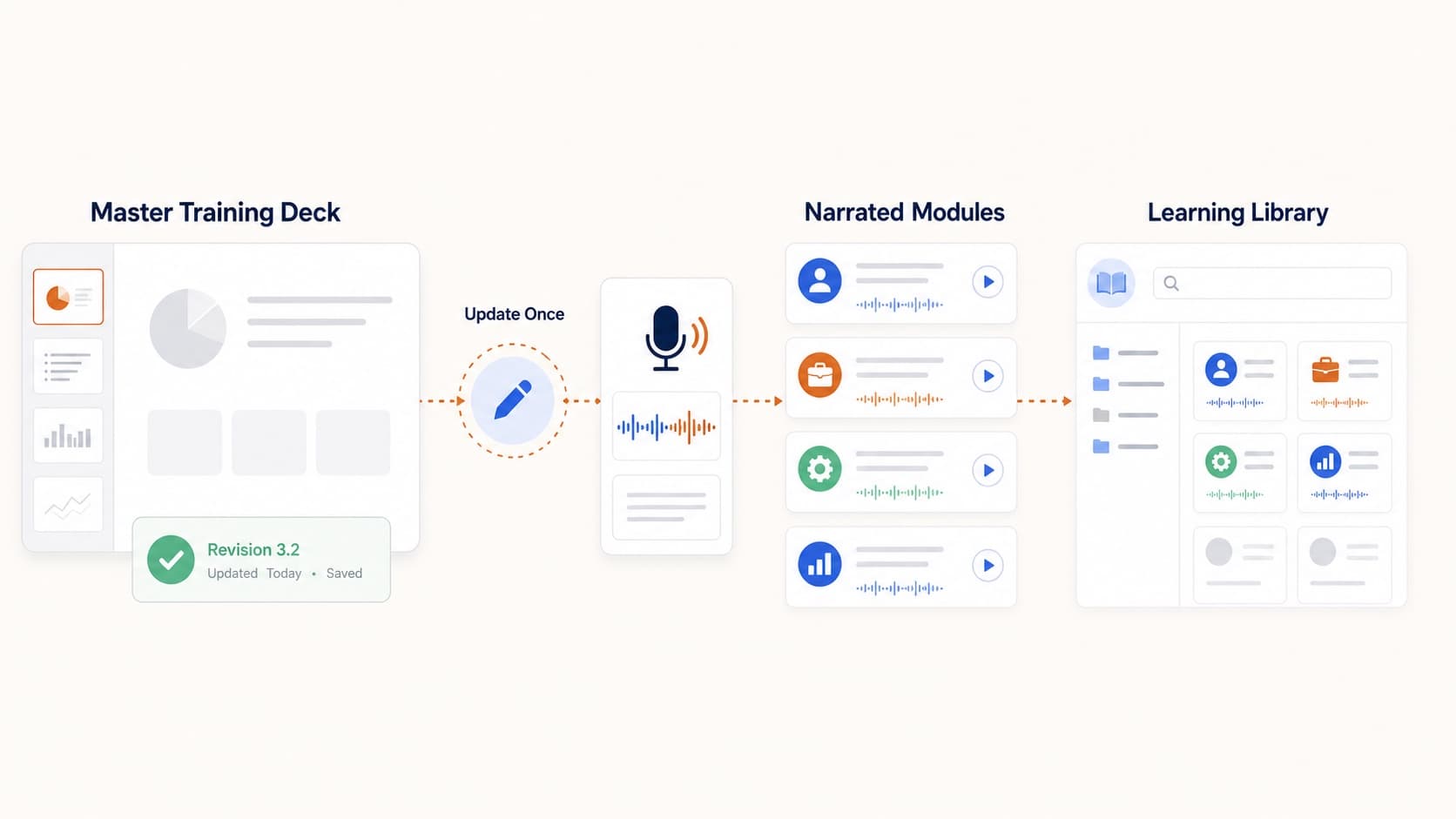
How to Make Training Videos from PowerPoint at Scale
Create training videos from PowerPoint without a studio. A practical system for HR, ops, and enablement teams to ship regenerable internal training videos.
GuidesUse Cases
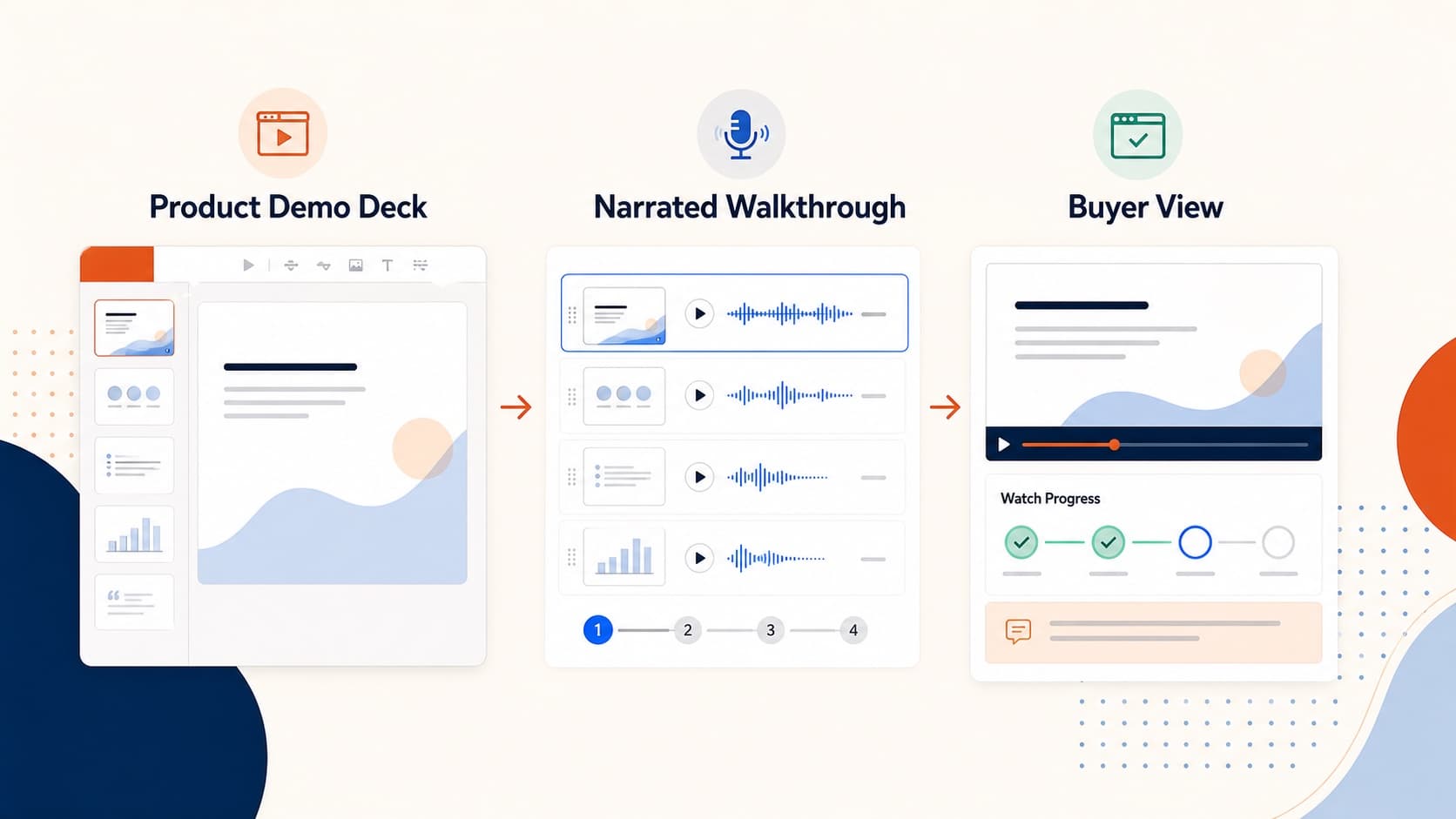
How to Create a Product Demo Video from Your Sales Deck
Build a product demo video from the sales deck you already use. A practical workflow for short narrated MP4 demos prospects can watch and forward asynchronously.