 OralSlides Guides
How to Improve AI-Generated Narration Quality
A repeatable checklist for turning a usable AI narration script into one that sounds human, lands the message, and reads cleanly per slide.
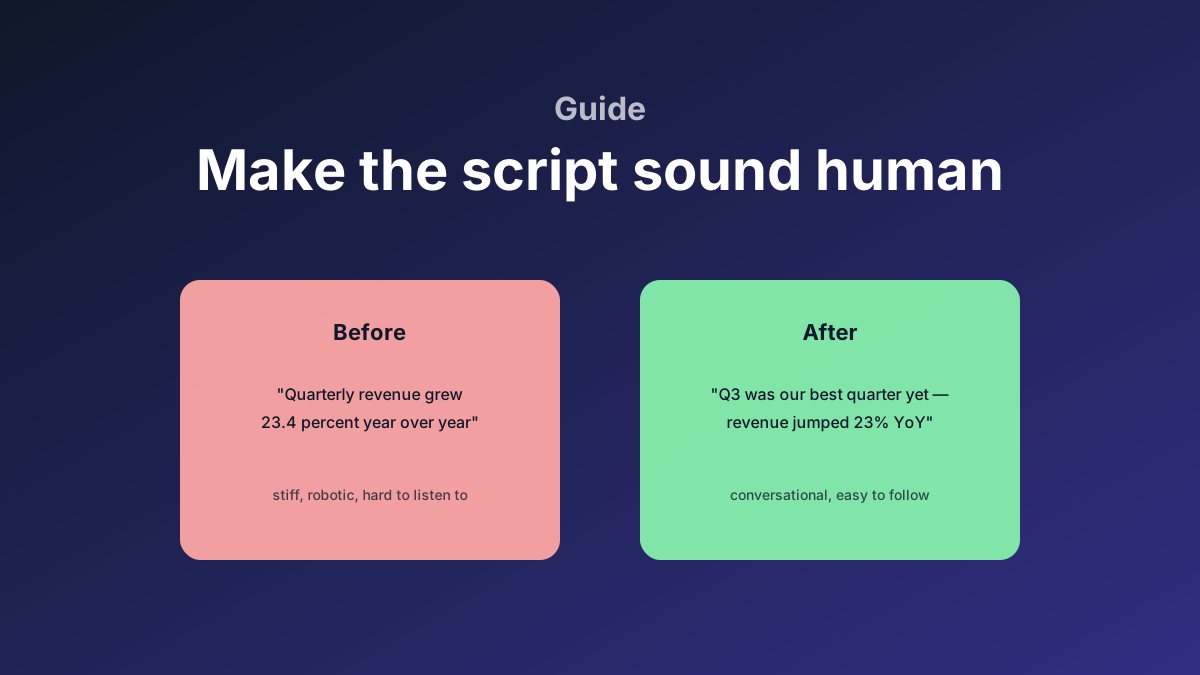
The biggest mistake teams make with AI narration is shipping the first draft. The first draft is good enough to understand, but rarely good enough to listen to for ten minutes. Here is a checklist that works on almost every deck.
1. Trim the meta-language
Models love filler words like "as we can see," "let’s now look at," "moving on to the next slide." On a printed page these are fine. Spoken, they pile up.
Replace:
- "Now, let’s look at the next chart" → just describe the chart
- "As you can see on the slide" → just say what the slide says
- "Moving on to..." → start the next idea
You can usually cut 10–20% of word count with this single pass.
2. Numbers should sound spoken, not written
A model writing for the page will say "23.4%". A human reading it out loud says "twenty-three percent" or "about a quarter." Spoken numbers should round more aggressively than the chart does.
Rules of thumb:
- Round to the nearest whole percent in spoken form, even if the chart shows decimals.
- Spell out "1B → one billion" only when the magnitude is the point.
- Replace symbols (
%,$,→) with spoken words. TTS reads them inconsistently.
3. One claim per sentence
Listeners can’t re-read a sentence — they get one shot. Long sentences with three commas almost always break the rhythm. The fix: split.
Before:
Q3 was our strongest quarter, with revenue up 23% year over year, driven mostly by the new enterprise tier and a stronger close rate in EMEA.
After:
Q3 was our strongest quarter. Revenue grew 23% year over year. Most of the growth came from the new enterprise tier — and from a stronger close rate in EMEA.
Three short sentences read smoother than one long one.
4. Match the slide on screen
The viewer sees the slide. The narration should not list every bullet on the slide — that’s redundant. The script should interpret the slide:
- Why is this number interesting?
- What is the takeaway?
- What should the viewer carry to the next page?
If the script mostly repeats what the slide already shows, cut harder.
5. Page-to-page transitions
Default LLM output treats each slide as an island. Audiences hear it as choppy. Add a single transition phrase at the start of each slide:
- "Building on that..."
- "On the other hand..."
- "Which brings us to..."
One short transition per slide is enough. More than that gets formulaic.
6. Read it out loud once
Before you generate audio, read the entire script out loud yourself. The places where you stumble are the places TTS will stumble too. Fix them now — re-rendering audio costs credits.
7. Use the AI edit feature for tone, not content
The per-slide AI edit ("make this more concise" / "add a touch of humor") is good at tone, but bad at adding facts. If you ask it to "include the Q3 numbers," it will hallucinate. Add facts manually; let AI polish them.
A simple two-pass rhythm
The pattern that ships fastest:
- First pass: generate, then edit only for correctness (numbers, names, claims).
- Second pass: edit only for rhythm (sentence length, transitions, fillers).
Trying to do both in one pass usually means neither is fully done. Two short passes beat one long one.