Comparison
OralSlides vs Synthesia
Slide narration vs. AI avatar video
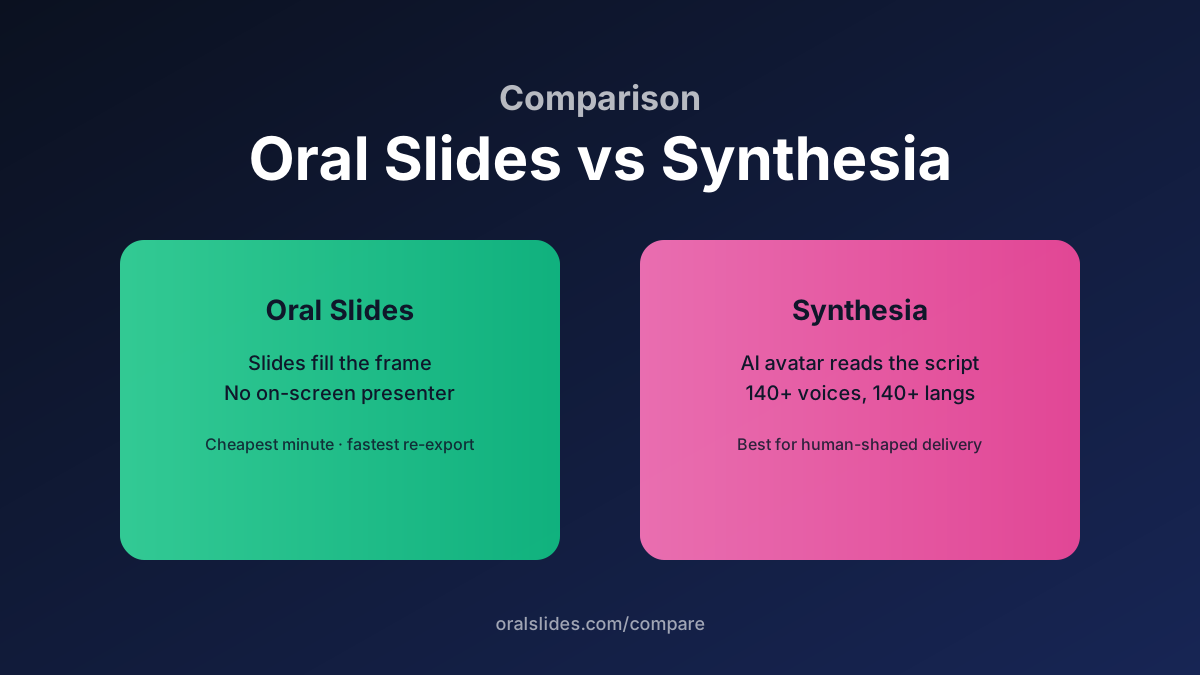
Synthesia is the leader in AI-avatar video: a digital presenter reads your script with a face on screen. OralSlides skips the avatar entirely — your slides fill the frame and narration plays over them. Both produce MP4s. The question is whether the viewer should see a person or your content.
Feature comparison
| Feature | OralSlides | Synthesia |
|---|---|---|
| On-screen presenter | None — slides fill the frame | AI avatar (human-shaped) |
| Source input | Real `.pptx` deck | Built-in slide editor / script |
| Slide design fidelity | Exact PowerPoint render | Re-built in Synthesia editor |
| Voice library | 40+ voices, 10 languages | 140+ voices, 140+ languages |
| Editing surface | Per-slide script editor + regenerate audio | Full timeline + avatar director |
| Time to first export | Minutes — single upload + voice pick | Longer — slide redesign in editor |
| Per-minute cost | Credit-based, lower per minute | Subscription, premium per minute |
Workflow side-by-side
OralSlides workflow
Drop the `.pptx` → multimodal model writes the per-slide script → pick voice + tone → review → export. Slides are exactly what you authored.
Synthesia workflow
Open the editor → paste or generate script → choose avatar and slide template → render. Closer to a video editor with a built-in presenter.
FAQ
- Will OralSlides ever support avatars?
- Not on the roadmap. The product hypothesis is that the deck is the asset; the presenter shouldn’t compete with the slide for screen real estate.
- Can I import a Synthesia project into OralSlides?
- No, but you can export PowerPoint from most slide tools and upload that.
Try OralSlides on a real deck
Upload a `.pptx`, pick a voice, export an MP4. The first project is free.