Comparison
OralSlides vs Pictory
PowerPoint-first narration vs. text-to-stock-video
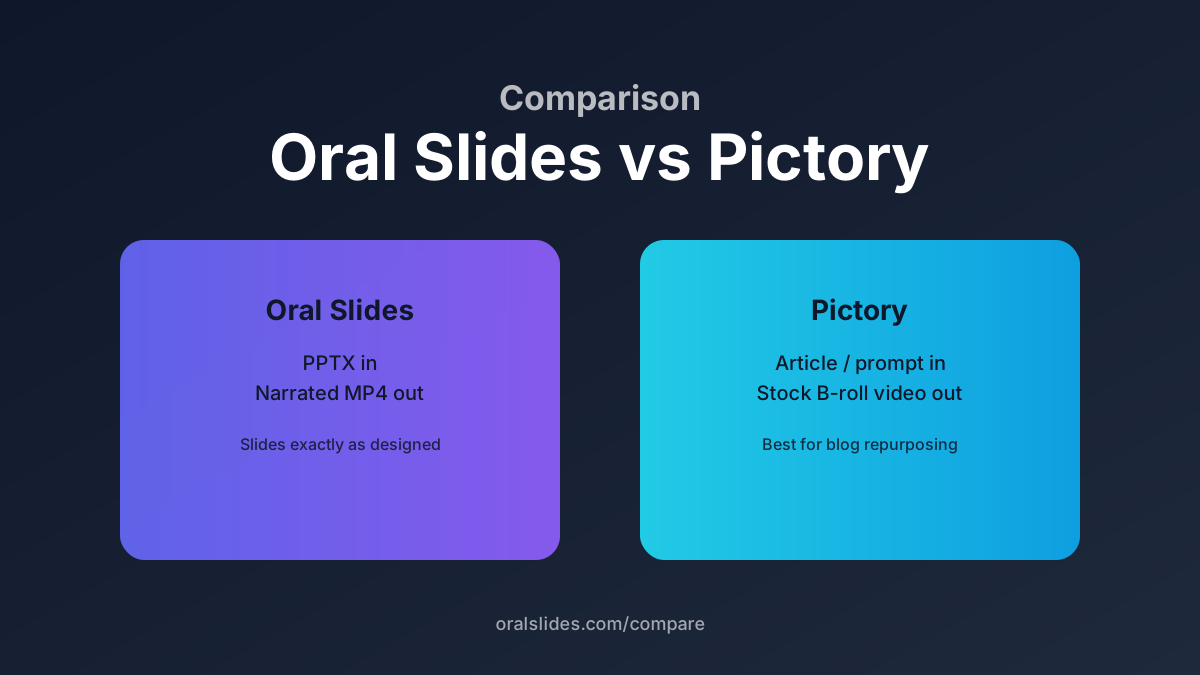
Pictory turns articles, scripts, and prompts into stock-footage videos. OralSlides keeps your existing PowerPoint deck as the canvas and only generates narration, voice, and the final MP4. The right pick depends on whether your source-of-truth is the slide deck or the text.
Feature comparison
| Feature | OralSlides | Pictory |
|---|---|---|
| Primary input | .pptx file (your real deck) | Article, script, or prompt |
| Slide fidelity | 1:1 — slides are rendered as-is | Slides are reconstructed from text + stock clips |
| Narration model | Multimodal (image + text) script generation | Script summarized from the source article |
| Voice library | 40+ Qwen TTS voices, 10 languages | 60+ voices via partners |
| Per-slide editing | Edit script per slide, regenerate one segment | Scene-based timeline editing |
| Output | 1080p MP4 with synced narration | 1080p MP4 with stock B-roll |
| Best fit | Sales decks, training, async lectures | Marketing reels, blog repurposing |
Workflow side-by-side
OralSlides workflow
Upload `.pptx` → automatic per-slide script (multimodal) → pick a voice → review and tweak per slide → export MP4. The deck remains the source of truth, so re-exporting after a content tweak is a one-click action.
Pictory workflow
Paste a URL or article → Pictory rewrites it into a script and assigns stock clips → adjust scenes and captions → render. Closer to a marketing video editor than a slide narrator.
FAQ
- Can OralSlides do the article-to-video flow Pictory is known for?
- No. OralSlides intentionally limits the input to `.pptx` so the narration stays grounded in real slide content. If your only source is text, Pictory is the right tool.
- Does Pictory accept PowerPoint files?
- Pictory accepts MP4 and slide-style imports, but it will reauthor the visuals. If preserving the deck is important, OralSlides keeps every page exactly as designed.
Try OralSlides on a real deck
Upload a `.pptx`, pick a voice, export an MP4. The first project is free.