Comparison
OralSlides vs Decktopus
Narrate the existing deck vs. AI deck generator
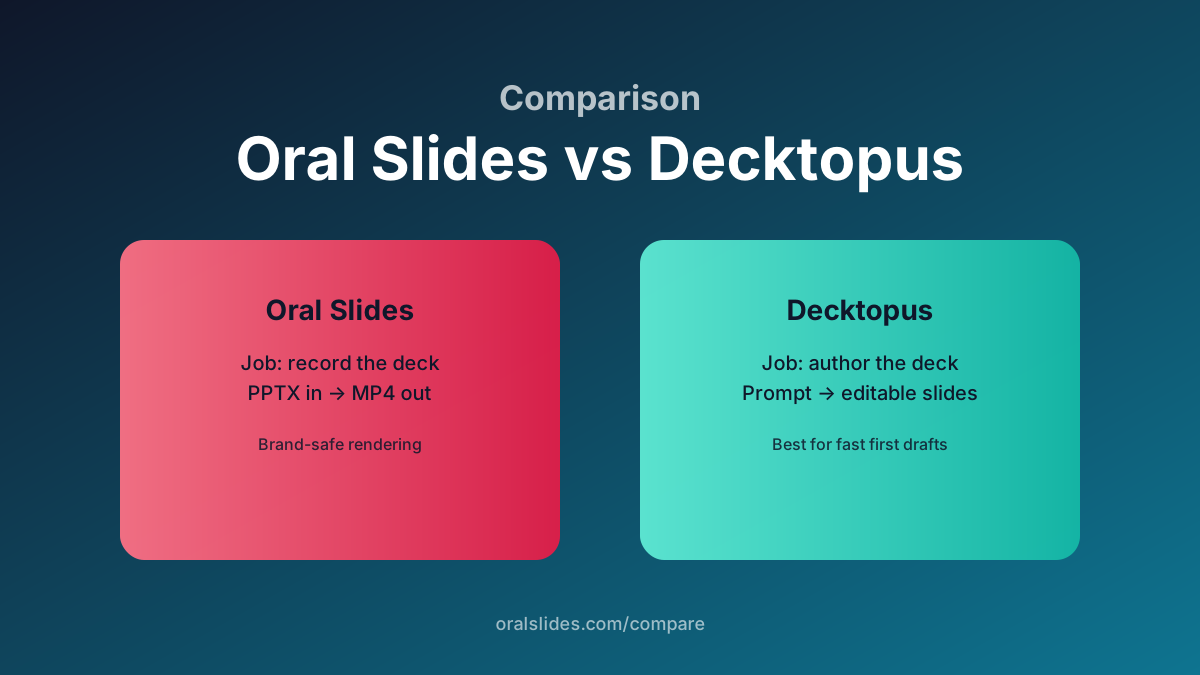
Decktopus generates a slide draft from a prompt — it’s an authoring tool. OralSlides starts after the deck is ready and exports it as a narrated MP4. Use them in sequence, or pick the one that matches your current bottleneck.
Feature comparison
| Feature | OralSlides | Decktopus |
|---|---|---|
| Job to be done | Record the deck as a video | Author a deck quickly |
| Input | .pptx upload | Prompt + topic |
| Output | MP4 narrated video | Editable slide deck |
| Voice / TTS | 40+ voices, multilingual | Limited or add-on |
| Brand fidelity | Exact PowerPoint render | Decktopus templates |
| Pricing model | Credits | Subscription tiers |
Workflow side-by-side
Hand-off pipeline
Decktopus → export to PowerPoint → OralSlides → MP4. The two tools cover different halves of the funnel cleanly.
OralSlides solo
For decks already living in PowerPoint or Keynote (export to .pptx), upload directly and skip the authoring tool.
FAQ
- Can OralSlides edit the slide visuals?
- No. Visual edits should happen in PowerPoint. OralSlides only handles narration scripts, voice, audio, and the final MP4 render.
- Does Decktopus export narrated MP4?
- Decktopus is primarily a slide authoring tool. For narrated MP4 export with per-slide voice control, OralSlides is more focused.
Try OralSlides on a real deck
Upload a `.pptx`, pick a voice, export an MP4. The first project is free.