Comparison
OralSlides vs Tome
Existing deck → narrated video vs. AI-built deck
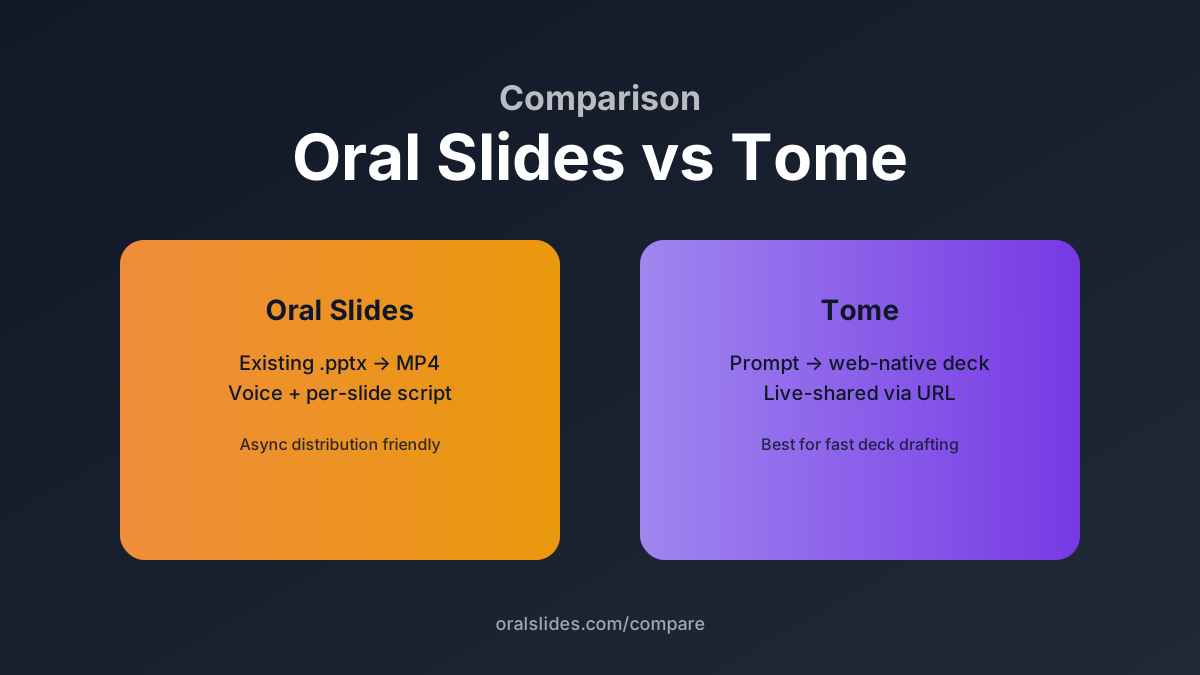
Tome is a generative slide tool — it writes a new deck for you from a prompt, in its own canvas. OralSlides starts on the other side of the funnel: take an existing `.pptx` deck and turn it into a narrated MP4. They are complementary tools, not competitors, but the choice depends on whether your bottleneck is *making the deck* or *recording it*.
Feature comparison
| Feature | OralSlides | Tome |
|---|---|---|
| Output format | MP4 narrated video | Web-native interactive deck |
| Starts from | Existing `.pptx` file | Prompt or topic |
| PowerPoint compatibility | Native, 1:1 fidelity | Limited export to .pptx |
| Voice narration | Built-in (40+ voices) | Not the primary feature |
| Async distribution | Download MP4, share anywhere | Share a Tome URL |
| Best fit | Recording an existing deck | Drafting a new deck quickly |
Workflow side-by-side
Use them together
Draft the deck in Tome, export to PowerPoint, then upload to OralSlides for narration and MP4 export. This pairs Tome’s authoring speed with OralSlides’ async-friendly distribution.
OralSlides solo
If your deck is ready in PowerPoint, skip Tome. Upload the `.pptx`, get the MP4, distribute. Two minutes from upload to first preview.
FAQ
- Can OralSlides generate the deck for me?
- No. OralSlides assumes the deck is the asset and only generates the narration layer. Use Tome, Gamma, or PowerPoint Copilot for that.
- Does Tome support voice narration?
- Tome has light narration features, but it isn’t the focus of the tool. For polished MP4 narration, export the deck and run it through OralSlides.
Try OralSlides on a real deck
Upload a `.pptx`, pick a voice, export an MP4. The first project is free.